Server power consumption calculator
Use an average taken over representative working days. Energy rates differ by contract, country, taxes and billing components, so the calculator leaves the cost unit under your control.
Watts, kWh and cost
Cost scenario = energy (kWh) × your effective rate per kWh
For multiple servers, multiply by the device count only when the entered average represents each device. If servers differ, calculate each group separately and add the kWh results.
Why the PSU label is not server consumption
A 750 W or 1,200 W PSU label describes a capacity envelope, not the normal input draw. Workload, CPU, storage, memory, fans, power-supply efficiency and redundancy policy influence the measured value. Capacity is essential for electrical design; it is not a substitute for an energy baseline.
How to measure a useful average
- Define whether you are measuring one PSU feed or the whole server.
- Collect active power across representative idle and busy periods.
- Include weekends, backups and batch jobs where relevant.
- Record missing data and maintenance windows.
- Calculate a time-weighted average from the intended reporting period.
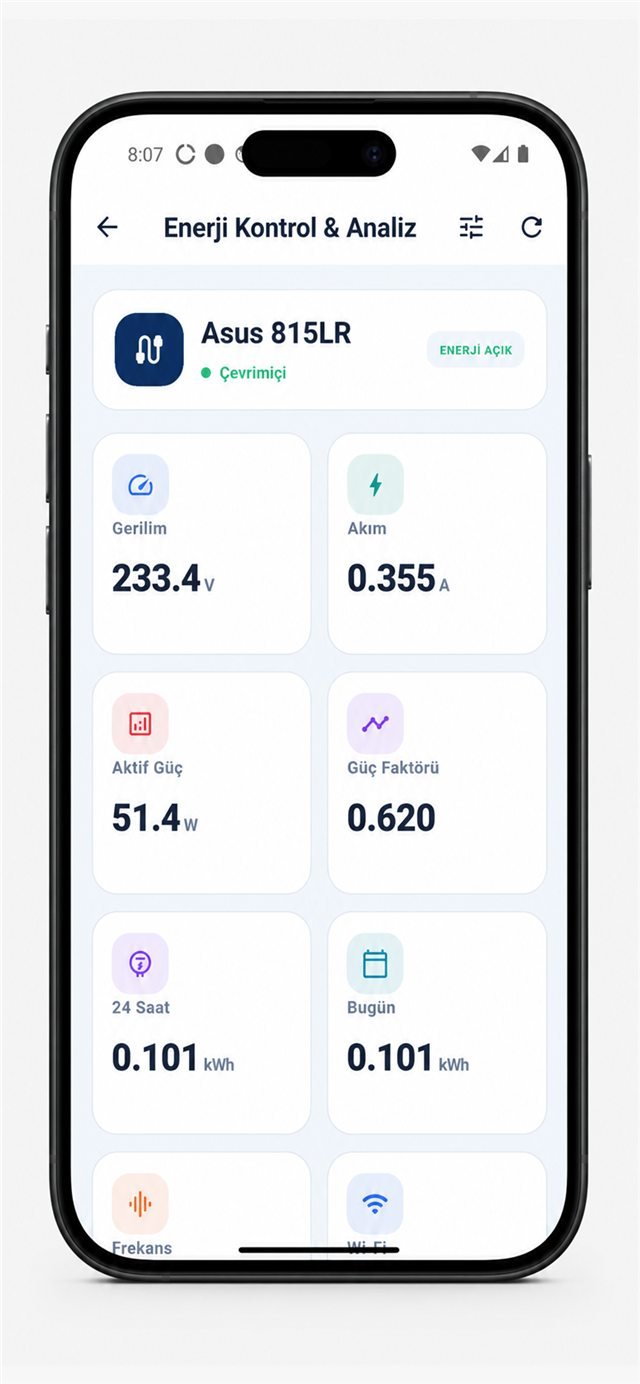
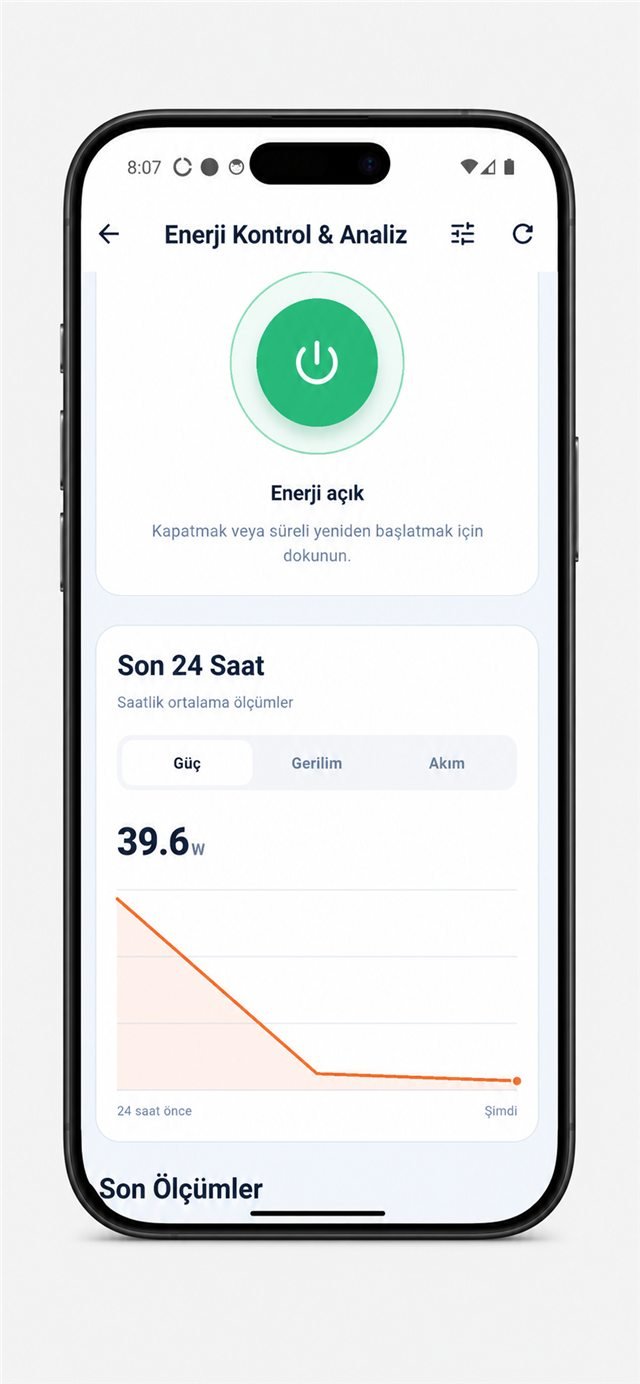
Read time-series data, not one screenshot
Move from live watts to an observed pattern.
Server energy and PUE are different
Server input energy is part of IT equipment energy. PUE compares total facility energy with total IT equipment energy over matching boundaries and periods. Multiplying one server by a PUE can illustrate a scenario, but it does not measure that server's actual share of cooling and facility losses.
Turn data into operational action
Find unused capacity
Compare measured idle and busy states before consolidation decisions.
Measure before and after
Evaluate firmware, workload and hardware changes over comparable periods.
Investigate deviations
Use changes as a prompt for review, not as an automatic fault diagnosis.
Track growth
Use measured peaks and energy trends alongside redundancy and capacity rules.
Any Smart Kablo connection must be electrically reviewed and remain within the 5 A continuous-current limit. The calculator does not determine product compatibility.
Should I enter peak or average watts?
Use a representative average for energy. Keep peak and startup current separately for electrical capacity and protection checks.
Does the calculator include cooling?
Only as an optional PUE scenario, which is not a direct cooling measurement.
Can this result be used as an invoice?
No. It is an estimate and does not establish a revenue-grade metering or billing system.