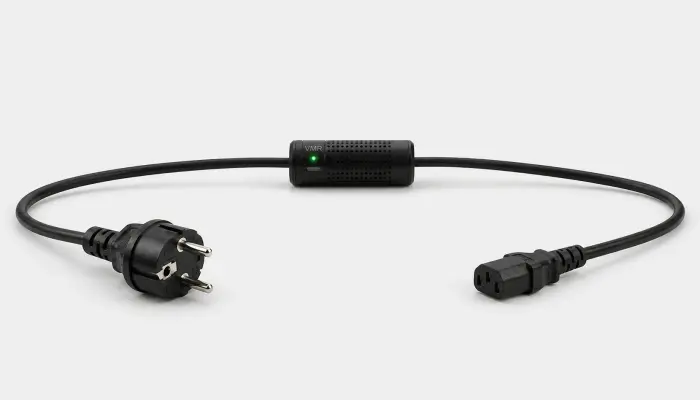
Smart PDU Alternative: Remote Energy Metering and Power Control

Not just a cable. A control point.

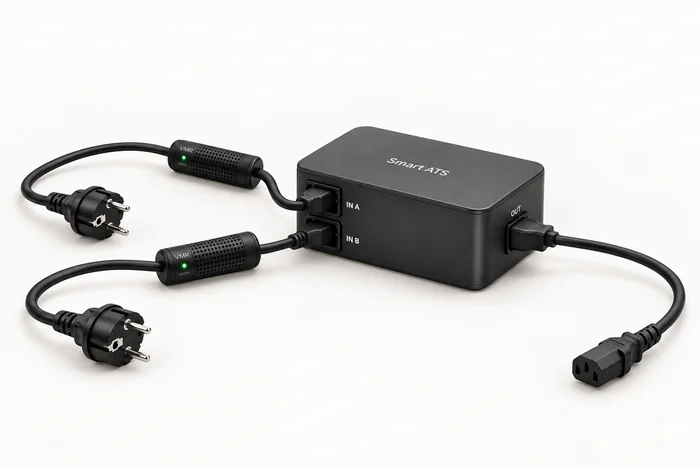
SmartKablo adds per-device energy metering and remote power control to an existing PDU or outlet. Monitor compatible equipment and manage power through the Android app or REST API.

PDUPower source
SMARTKABLOMetering + relay
DEVICEC13 output
Voltage
230.0V
Current
0.68A
Power
150.1W

Smart power and energy control in the office

Connect SmartKablo to an existing PDU or standard Schuko outlet to measure computers, monitors and office equipment with a C14 male power inlet, then switch power remotely.

Server ATX PC Switch NAS

The working day ends. Unnecessary consumption can too.

Schedule after-hours power for office computers and monitors with SmartKablo, and automate energy savings.

Desktop PC Monitor DVR NVR
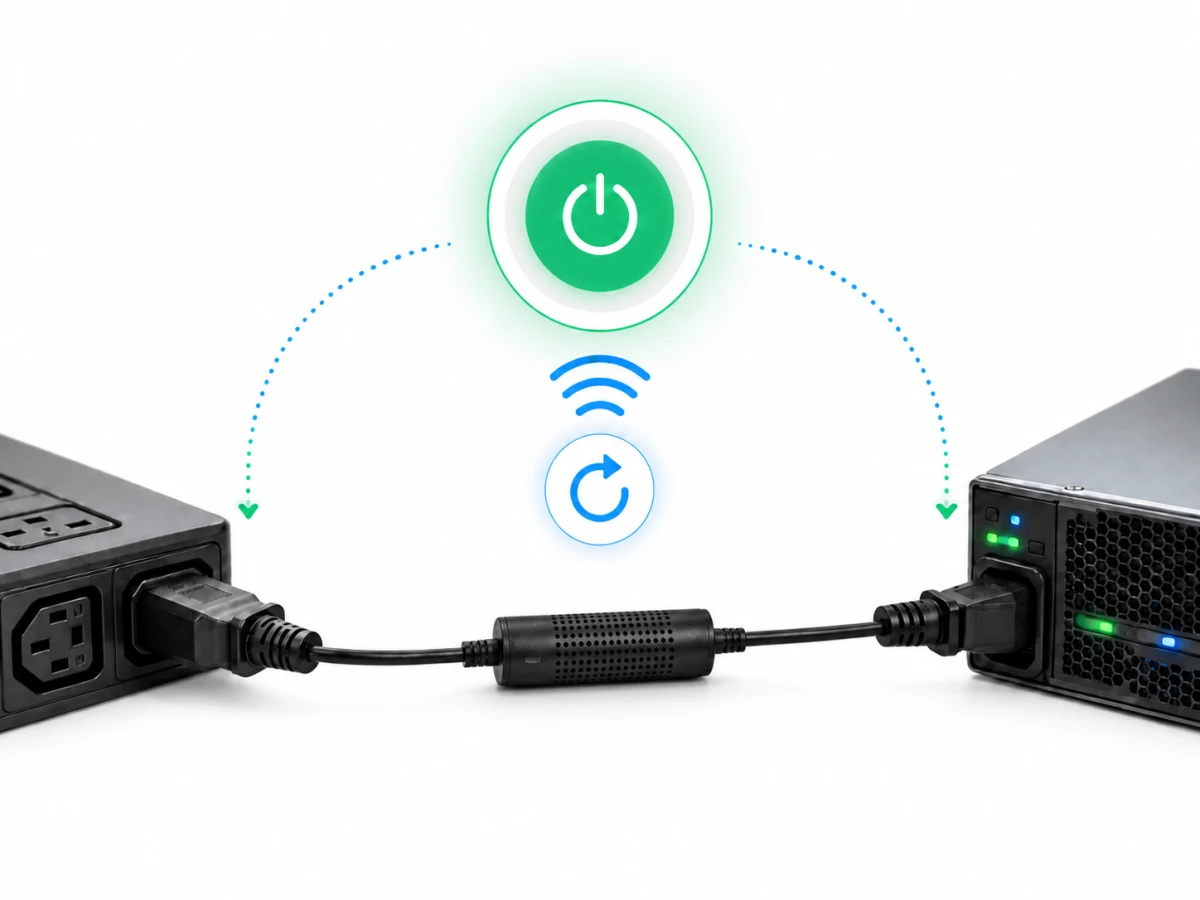
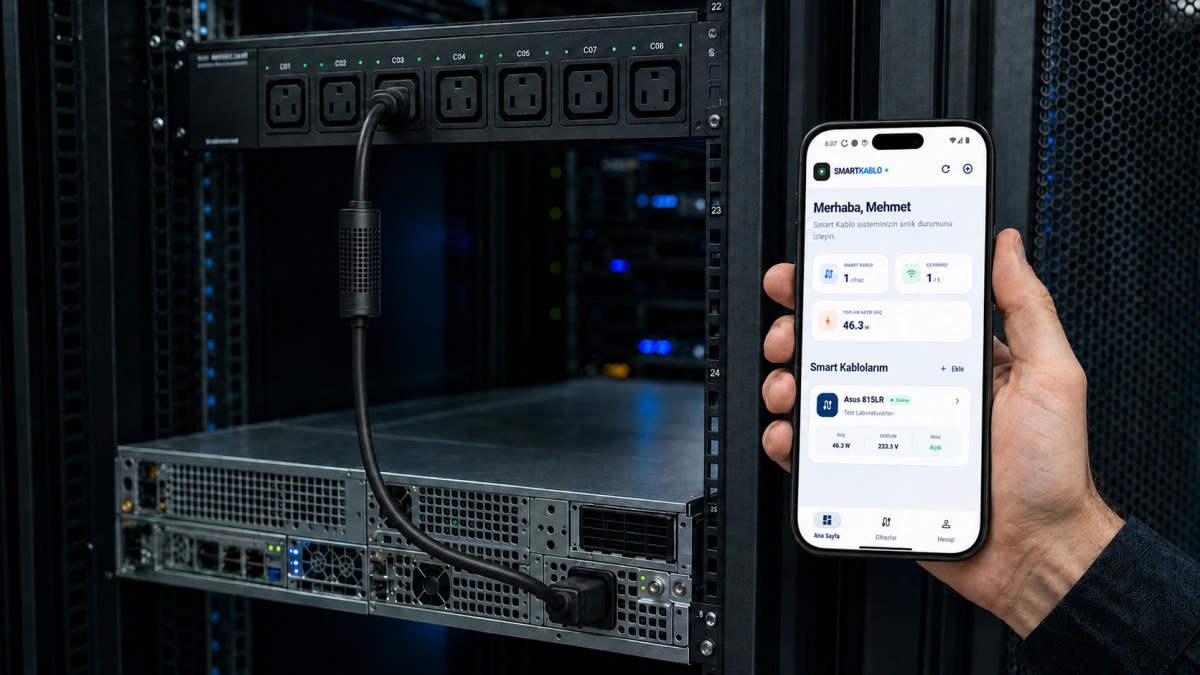
SmartKablo energy metering and remote power control between a rack PDU and server
Wi‑Fi 5 A

Choose a connection model

— Choose a model to see the price Gross price · VAT included:—
1
Selected quantity:1Total · VAT included:—
2-year warrantyManufacturing and hardware assurance
Like-for-like replacementProduct replacement in the event of a fault
15-day returnsRefund subject to the returns policy
Free shippingTwo working days when in stock; scheduled date when made to order

02 Let’s plan your business requirements together.Contact our team directly for a live demo, volume orders and custom cable options.
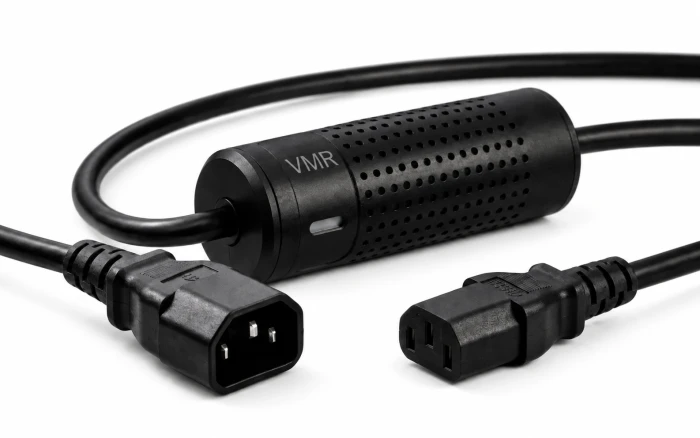
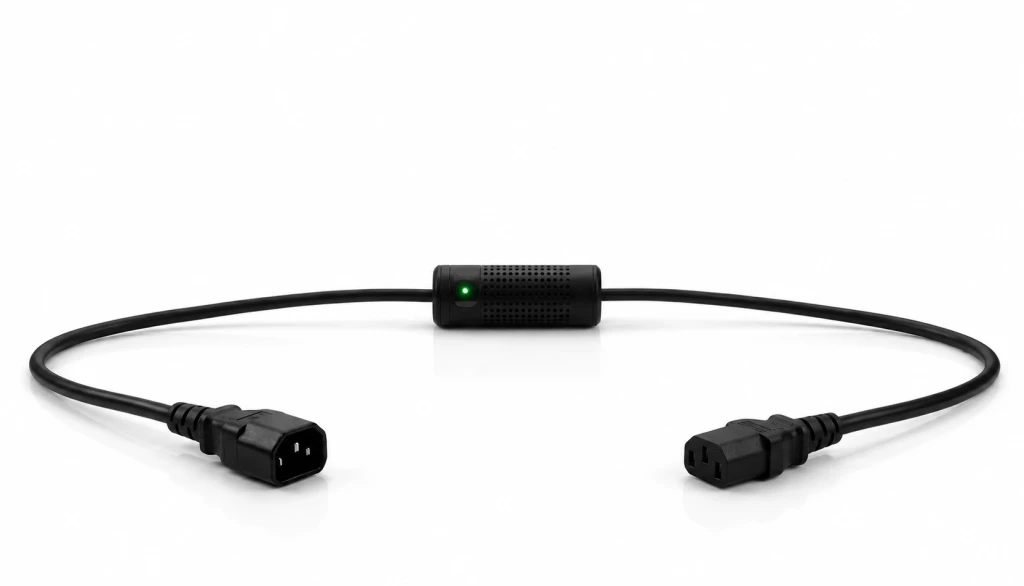
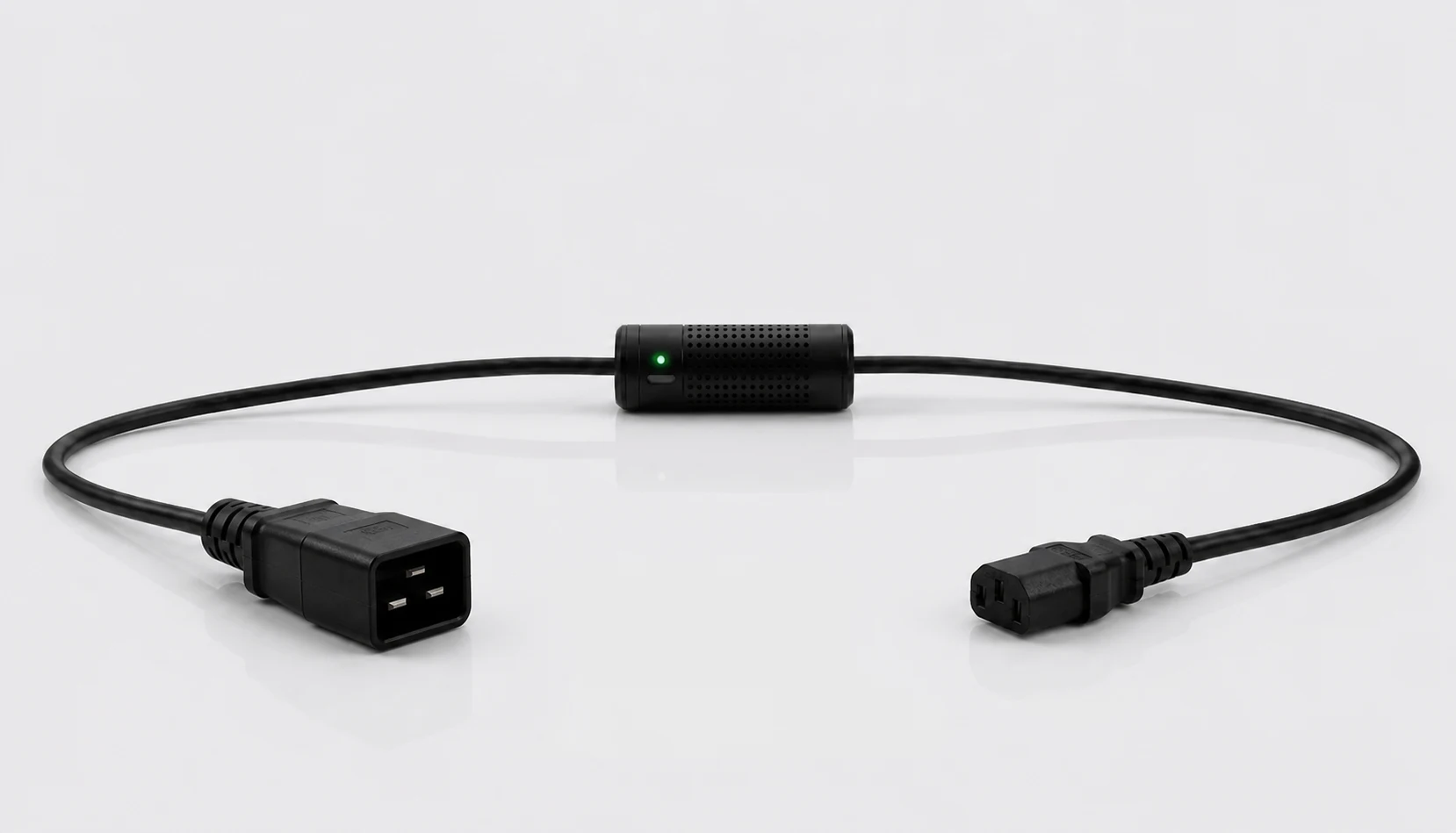
Full SmartKablo with IEC C14 male input and C13 female output

Installs between the PDU and equipment.

Our Android app is liveGet it on Google Play
Scalable PDU alternative

Add smart per-device control to your existing PDU.

Install SmartKablo between the PDU and equipment. Measure consumption for a server, ATX computer or monitor and manage its power remotely. Start with the equipment you need without replacing the whole infrastructure.

It is not a one-for-one replacement for every feature of a fully managed smart PDU.

  • Start with what you need

    Choose critical equipment instead of replacing an entire rack at once, then add SmartKablo units in line with budget and operational priorities.

  • Protect your existing PDU investment

    Add per-device metering and remote on/off control without removing a compatible non-smart PDU.

  • Scalable per-device energy management

    Adapt the installation with C20, C14, Schuko or project-specific NEMA input, a C13 output and a custom cable length.

  • SNMP and REST API integration

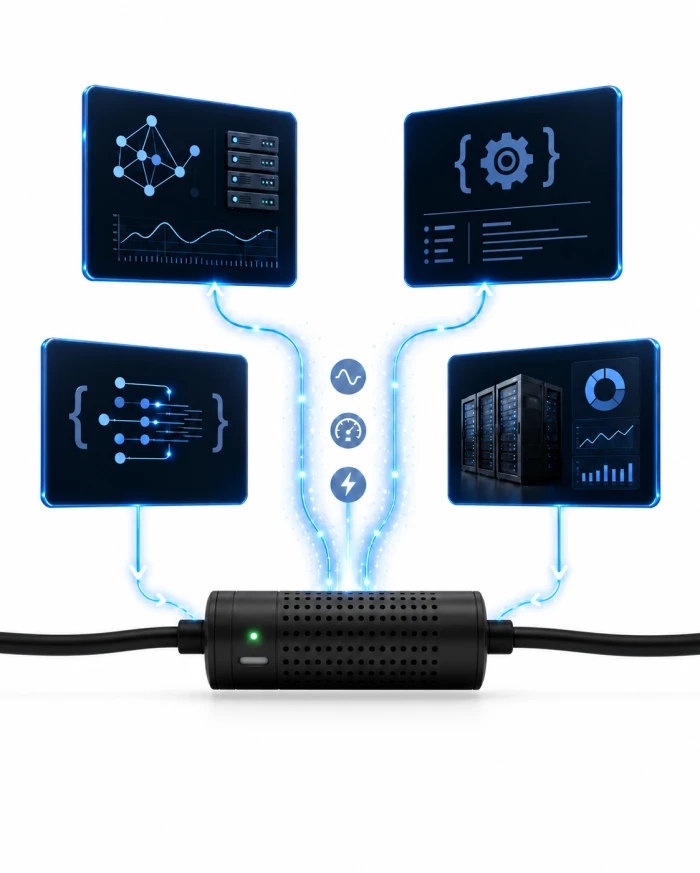
    Bring measurement and relay control into your existing monitoring and automation infrastructure. For SNMP, confirm model, firmware and MIB/OID compatibility.

  • Shorten remote intervention time

    Apply a controlled power cycle to an unresponsive server, ATX PC, switch or NAS without waiting for physical access.

  • Record consumption per device

    Monitor critical IT equipment individually with live, daily and monthly energy data, and base capacity and growth decisions on measurements.

Timed power-off and restart

Timed power-off options in the SmartKablo web interface
Smart Kablo mobile home screen shown in Turkish
Mobile app

Control in your pocket.

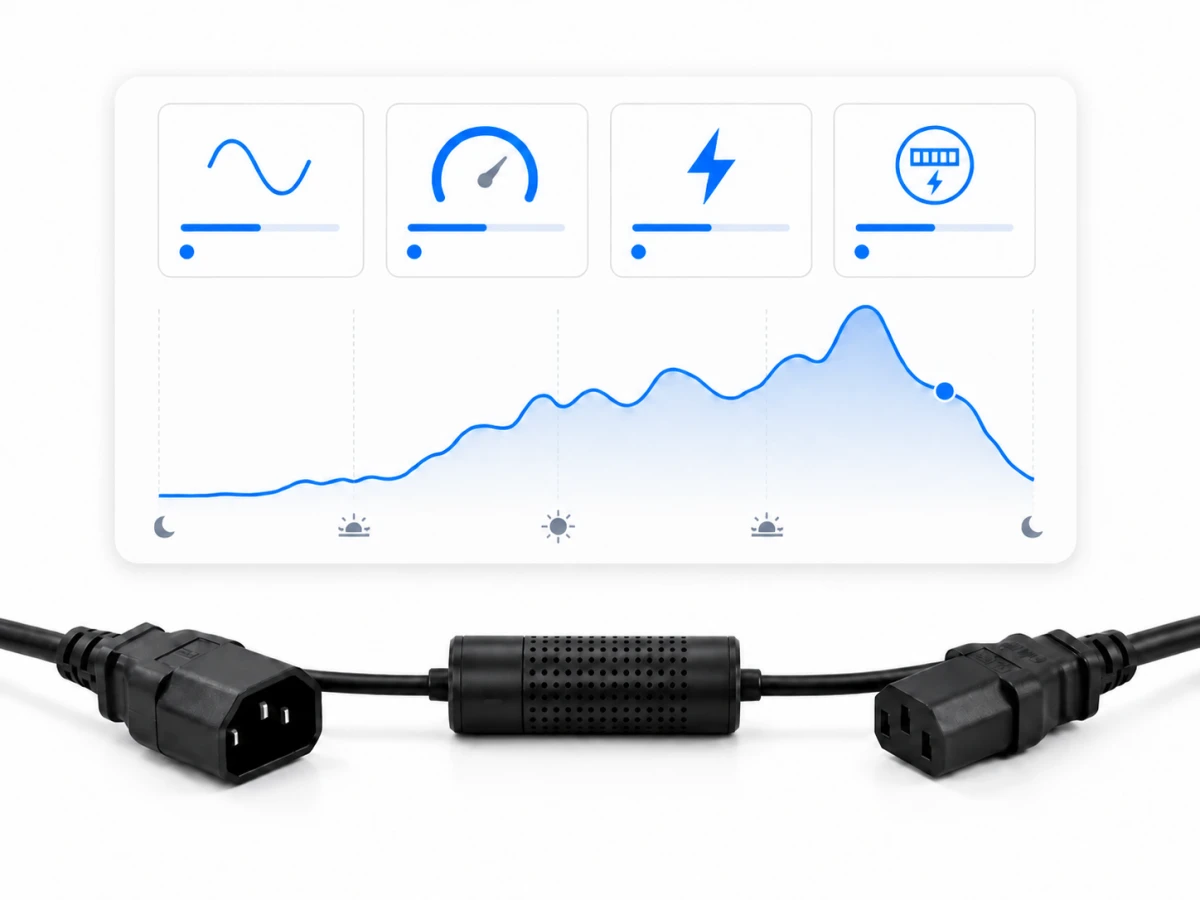
See live readings, the consumption curve and device status on one screen. Use the built-in relay to handle authorised on/off actions remotely.

LiveMeasurement tracking
3 periodsLive · daily · monthly
1 tapRelay control

Live readings

Monitor current, voltage, frequency and power in real time.

LIVE

Consumption history

Compare daily and monthly energy use with charts.

HISTORY

Remote control

Switch power to connected equipment on or off with one tap.

RELAY
Real mobile app

SmartKablo Mobile App

Use the SmartKablo mobile app for live readings, remote power control, consumption charts and account management.

Connection options

One product.
Three input options.

The metering module, 5 A rating, mobile control and customisable equipment output are shared by every variant. Simply choose the input that fits the installation point.

SmartKablo with C20 male input for a C19 female PDU outlet and C13 female outputC20

IEC C20 male input

A connection option for higher-capacity PDUs and data-centre power distribution.

Product detailsC20 → C13
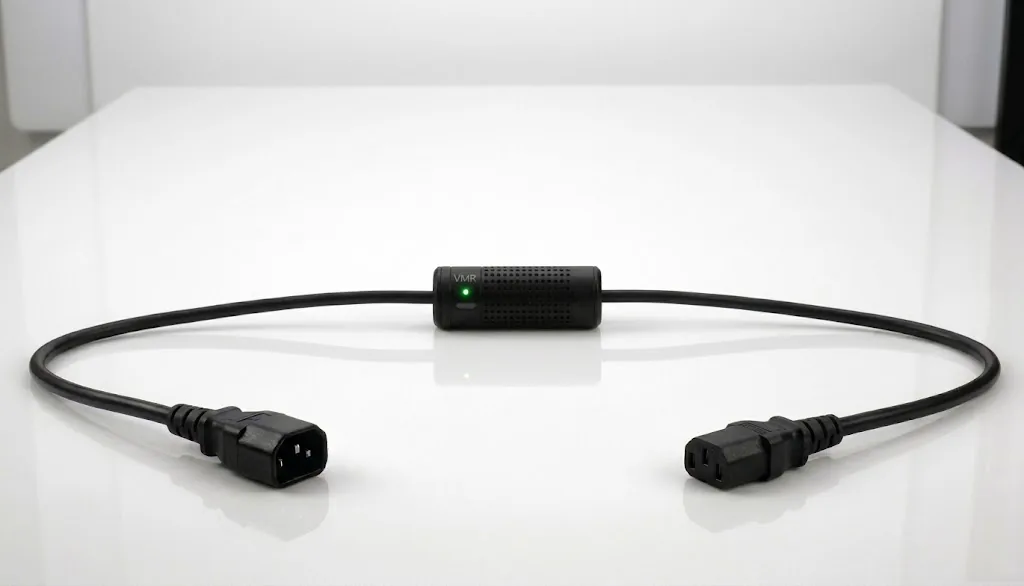
SmartKablo with IEC C14 input and C13 output for a UPS or PDUC14

IEC C14 input

A compact connection option for UPS, PDU and standard IT power-distribution systems.

Product detailsC14 → C13
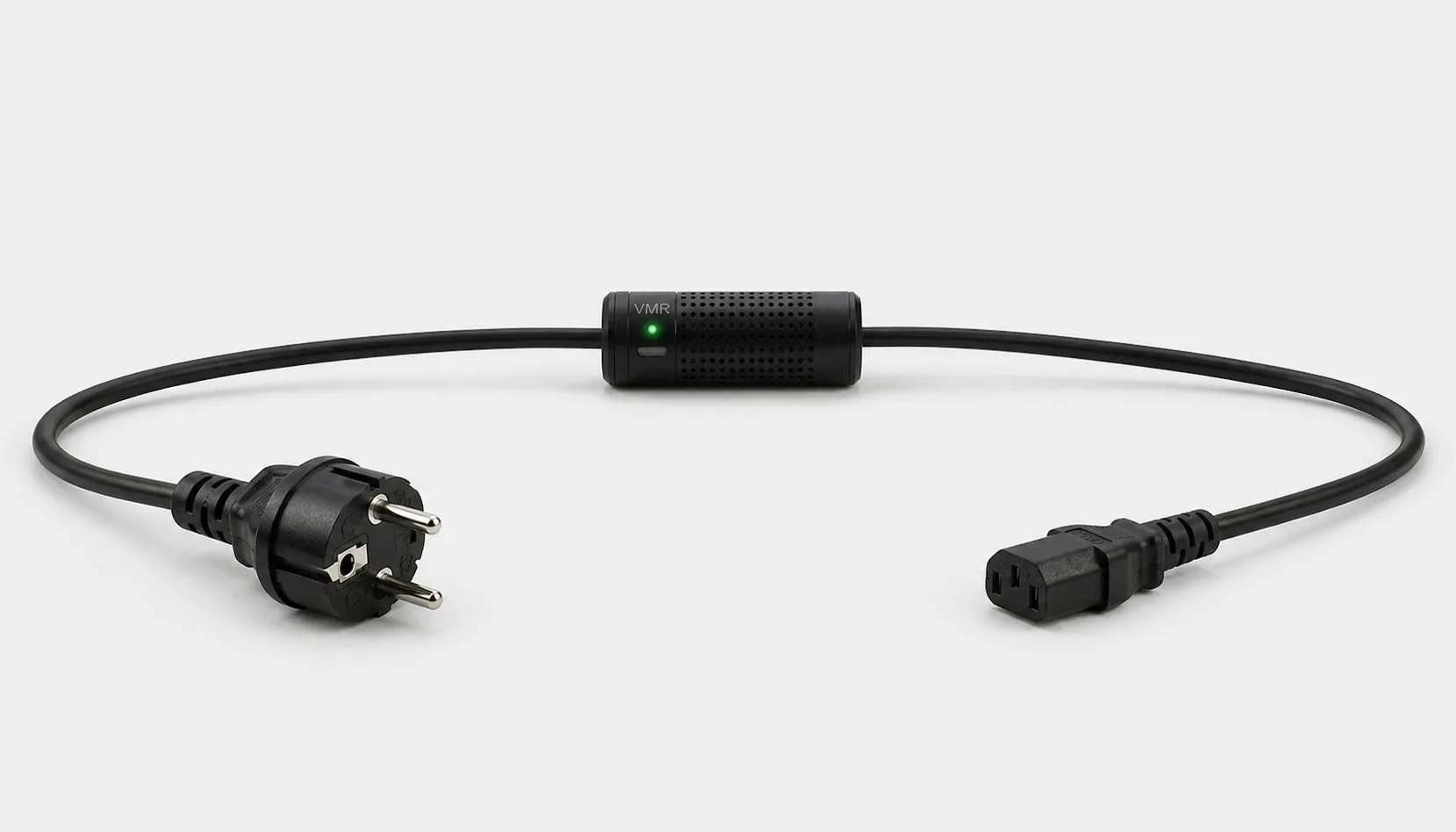
SmartKablo with Schuko input and C13 output for a desktop PC or monitorSCH

Schuko input

For powering computers, monitors and compatible C14-inlet equipment from a standard wall outlet.

Product detailsSchuko → C13
Technical details

Product specifications.

SmartKablo combines a metering module, mobile app and built-in relay in one cable. Electrical protection, high-temperature tolerance and a fanless design suit continuously operating IT environments.

Measured valuesCurrent, voltage, frequency, power
Consumption calculationLive, daily and monthly
Maximum current5 A
Maximum apparent power1,150 VA (230 V × 5 A)
Electrical protectionAutomatic overvoltage relay cutoff and overcurrent protection
Temperature toleranceUp to 60 °C
Cooling and noiseFanless, silent design
Equipment outputC13 (customisable)
Input optionsIEC C20 male, IEC C14, Schuko or NEMA 5-15P, 5-20P, L5-20P and L6-20P
Remote controlMobile app + built-in relay
Why SmartKablo?

See what consumes power. Manage energy remotely.

SmartKablo provides current, voltage, frequency, power and consumption data for servers, ATX PCs, switches, NAS systems, desktops and monitors in one place. The built-in relay can control power to compatible equipment that is hard to reach or unresponsive; measured data can guide after-hours savings, and the UID LED helps locate the correct cable in a rack.

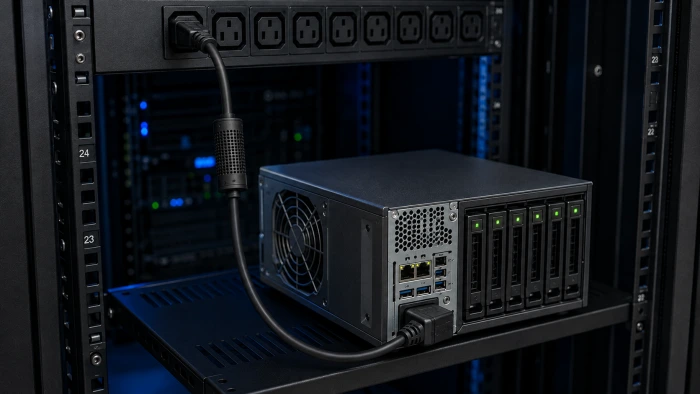
SmartKablo C14-to-C13 connection between a rack PDU and NAS

NAS and storage systems

Monitor consumption per NAS or rack storage device. After a safe shutdown, restore power remotely when required.

Makes NAS power consumption visibleSupports a controlled power cycleAdds to the existing rack PDU
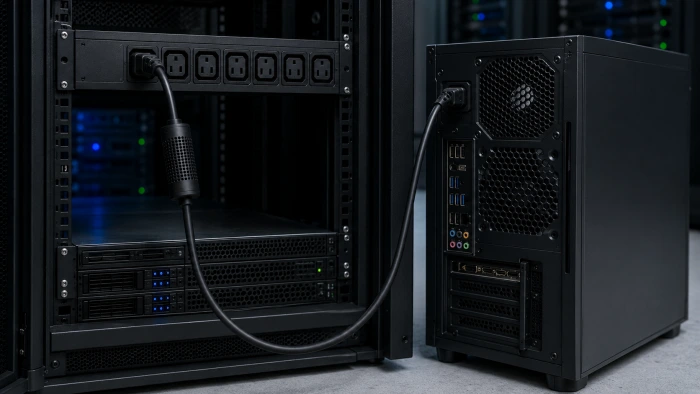
SmartKablo C14-to-C13 connection between a rack PDU and ATX computer

ATX computers

Monitor after-hours consumption from ATX computers and workstations. Combine a safe shutdown with the correct BIOS/UEFI setting for remote power-cycle scenarios.

Compares consumption by periodSupports remote power controlInstalls at the ATX power-supply connection
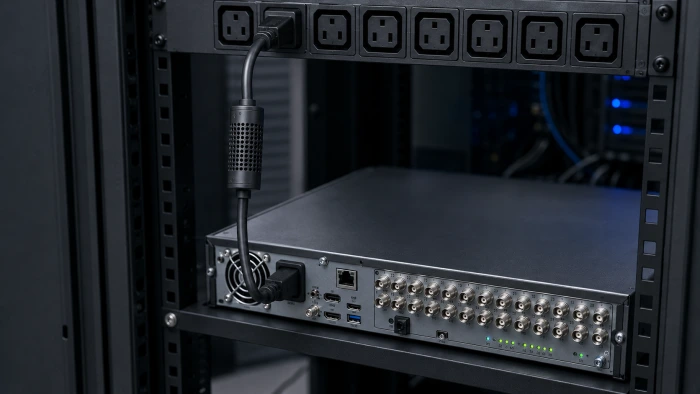
SmartKablo C14-to-C13 connection between a rack PDU and NVR

NVR and video systems

Monitor the operating status of an NVR and video system remotely. Once the equipment is safely shut down, manage its power supply in a controlled way.

Checks operating status remotelyMakes NVR energy consumption visibleInstalls between the rack PDU and equipment
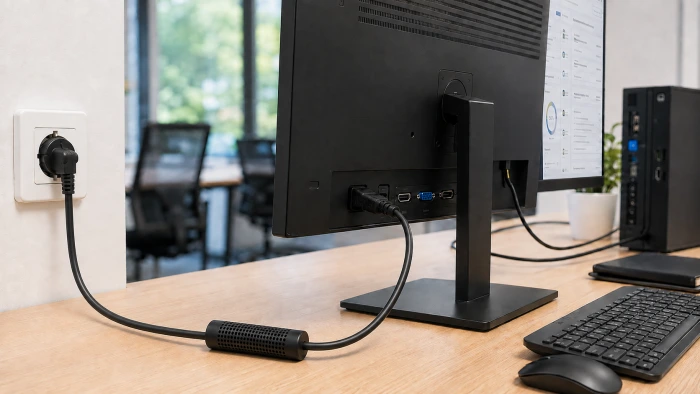
SmartKablo Schuko-to-C13 connection between a wall outlet and LCD monitor

LCD monitors

Monitor office and control-room LCD displays individually, then manage power remotely on a schedule when they are not in use.

Measures monitor consumption per deviceSupports after-hours energy managementInstalls between a Schuko outlet and C14 equipment inlet
Workplace energy savings

The working day ends.
Unnecessary consumption ends too.

A desktop PC or Ryzen workstation left on can keep idling after hours, while the monitor usually enters a low-power sleep state. The calculator treats these loads separately and includes weekday evenings plus complete non-working days.

01
After-hours shutdownControl power to compatible equipment left on after a scheduled time.
02
Include weekendsNon-working days in the month are counted as 24 hours of after-hours time.
03
Remote power cycle for an unresponsive PCIf the operating system stops responding, use a controlled cut-and-restore procedure. Automatic ATX start-up depends on the BIOS/UEFI “AC Power Recovery” setting.

Estimate after-hours energy savings

Enter PC idle consumption and monitor sleep consumption separately; SmartKablo’s own reading provides the most accurate value.

After-hours time / month522 hours
Monthly energy potential266.2 kWh
Annual energy potential3,194.6 kWh

Example assumption: a PC left on draws 25 W at idle and a sleeping monitor draws 0.5 W. Actual consumption varies by hardware, power plan and peripherals. The estimate shows potential energy savings. Your bill depends on your tariff and actual usage.

Frequently asked questions

About SmartKablo.

What is Smart Kablo and what does it do?

Smart Kablo provides per-device energy monitoring and remote supply control between a suitable outlet or PDU and compatible equipment. It helps monitor and manage suitable servers, NAS units, network equipment, desktop computers and monitors.

What does Smart Kablo measure?

It measures current, voltage, frequency, active power and energy consumption. Available records can be reviewed in the mobile app across live, daily and monthly periods.

Can Smart Kablo replace a smart PDU?

It can be a practical alternative when a project needs measurement and remote control only at selected connections while retaining an existing PDU. It does not reproduce every function of a full-featured smart PDU managing all outlets centrally.

Which equipment can use Smart Kablo?

Suitable servers, NAS units, switches, desktop computers, monitors and similar equipment need a compatible C14 inlet and a load within the 5 A continuous limit. Check the source connection, equipment nameplate current and startup load before choosing a model.

Can I switch or reboot equipment remotely?

Yes. The mobile app can switch the connected equipment’s supply or perform a controlled power cycle. For equipment with an operating system, follow a safe shutdown procedure before cutting power. Relay switching is not an operating-system shutdown command.

Which Smart Kablo connection should I choose?

Current models have a C13 output for a compatible C14 equipment inlet. Choose C14–C13 for a suitable C13 UPS/PDU source, C20–C13 for a C19 rack PDU outlet, or Schuko–C13 for a grounded Schuko wall outlet. NEMA inputs are reviewed for individual projects. All current models remain limited to 5 A continuous.

What is the maximum continuous current?

The maximum continuous current is 5 A. Check the connected equipment’s nameplate current and startup load, and do not exceed the product limit.

Does Smart Kablo replace a UPS?

No. Smart Kablo provides measurement and remote supply control, not battery runtime or voltage regulation. A UPS continues to perform its separate role where backup power is required.

How is Smart Kablo installed?

Select the model for the source outlet or PDU and the compatible equipment. Connect the cable between the source and equipment with power isolated, then follow the quick-start instructions to complete network and mobile-app setup.

Can I use SNMP and the REST API?

The documented REST API supports measurement and relay integration. Confirm SNMP support, firmware and MIB/OID scope for the selected model before purchase. Read the integration guide and API documents for their applicable scope.
Technical knowledge centre

Review the technical detail before deciding.

Smart PDU comparison

Smart PDU or SmartKablo?

Compare use cases, differences and which solution fits your needs.

IT operations

Remote server power control

Learn the controlled recovery sequence for an unresponsive server, ATX PC, switch or NAS.

Energy efficiency

PC and monitor after-hours energy estimate

Estimate monthly savings potential using actual standby power and the working schedule.

Integration

Energy monitoring with SNMP and REST API

Bring current, voltage, frequency, power and relay status into your central monitoring system.

BIOS and remote access

Automatically start a computer when power returns

Apply AC Recovery, Last State and Wake-on-LAN in the correct scenario.

IEC connector guide

C13, C14, C19 and C20 differences

Choose the correct IEC connector match across the UPS, PDU and equipment sides.

Energy calculation

Server power consumption and monthly cost

Convert measured average watts into kWh and monthly energy cost.

Rack power architecture

The difference between a UPS and PDU

Separate backup power, distribution and per-device control roles in one diagram.

WOL and BIOS guide

Turn on a computer remotely

Compare Wake-on-LAN, Remote Desktop, AC Recovery and controlled power-restoration methods.

A realistic 100-computer scenario

After-hours electricity cost calculation

Enter watts, operating time and your current unit rate to see monthly kWh and savings potential.

Hosting and colocation

Per-server energy monitoring

Move from rack totals to per-device measurement, and bring kWh records into operations through REST API and SNMP.

Smart Cloud software

Multi-site IT energy management

Monitor live readings, the 24-hour chart and relay status for equipment across locations in one panel.

Beyond the server room

Where can Smart Kablo be used?

Measure energy, manage compatible equipment remotely and add automatic supply cutoff on detected overvoltage. Explore eight industry guides.

Explore all industry guides →
SmartKablo updates

Hear about offers and product updates.

Receive volume-order offers, new connector options, data-centre solutions and product updates by email.