REST API exposes documented measurements; SNMP needs version-specific confirmation.
REST is useful for application and reporting workflows that consume JSON. SNMP can fit periodic NMS polling when the required objects exist on the installed model and firmware. They may complement each other, but neither should be specified from a marketing label alone.
SNMP versus REST API
| Method | Best fit | Validation required |
|---|---|---|
| SNMP | Periodic NMS/DCIM polling with defined OIDs | SNMP version, MIB, OIDs, access mode, polling and traps for the exact release |
| REST API | JSON telemetry, reports and controlled application workflows | Endpoint, authentication, fields and command behaviour for the exact release |
Read electrical fields as one device context
Voltage, current, active power, apparent power, power factor, frequency, accumulated energy and relay state answer different questions. Preserve units and timestamps, then associate every record with an immutable device ID, human-readable equipment name, site, rack or room, connector type and owner.
Relate live measurements to the exact connected load.
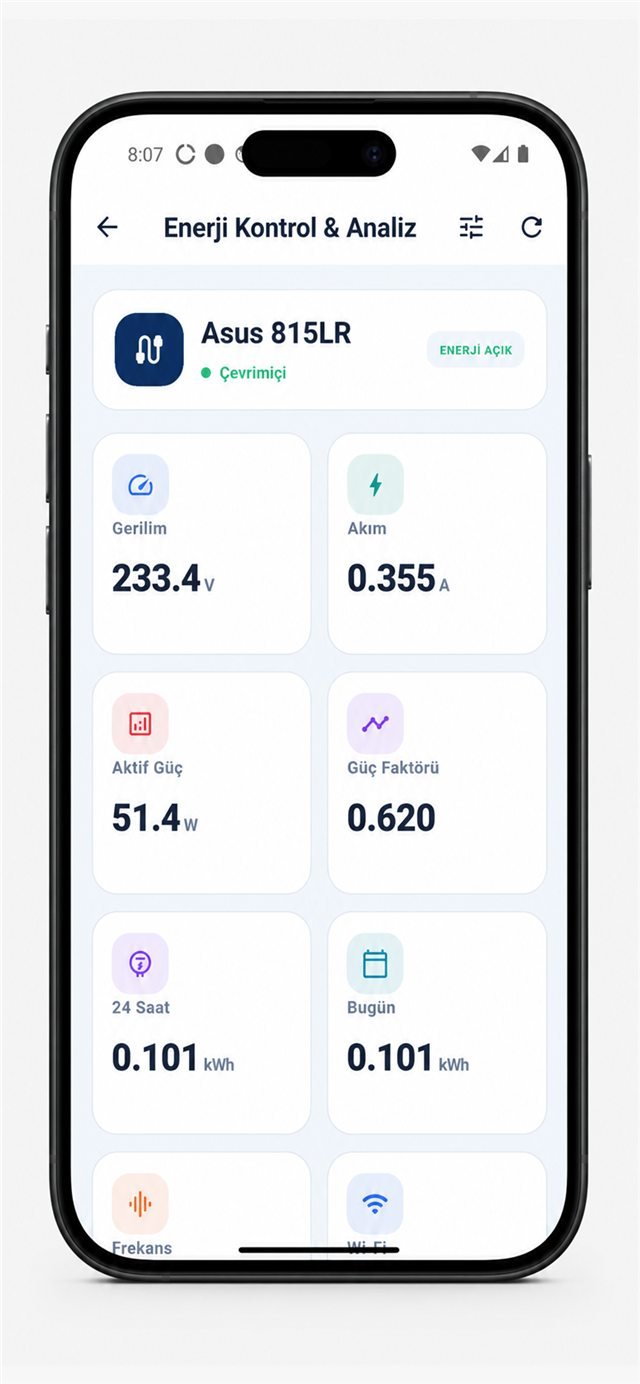
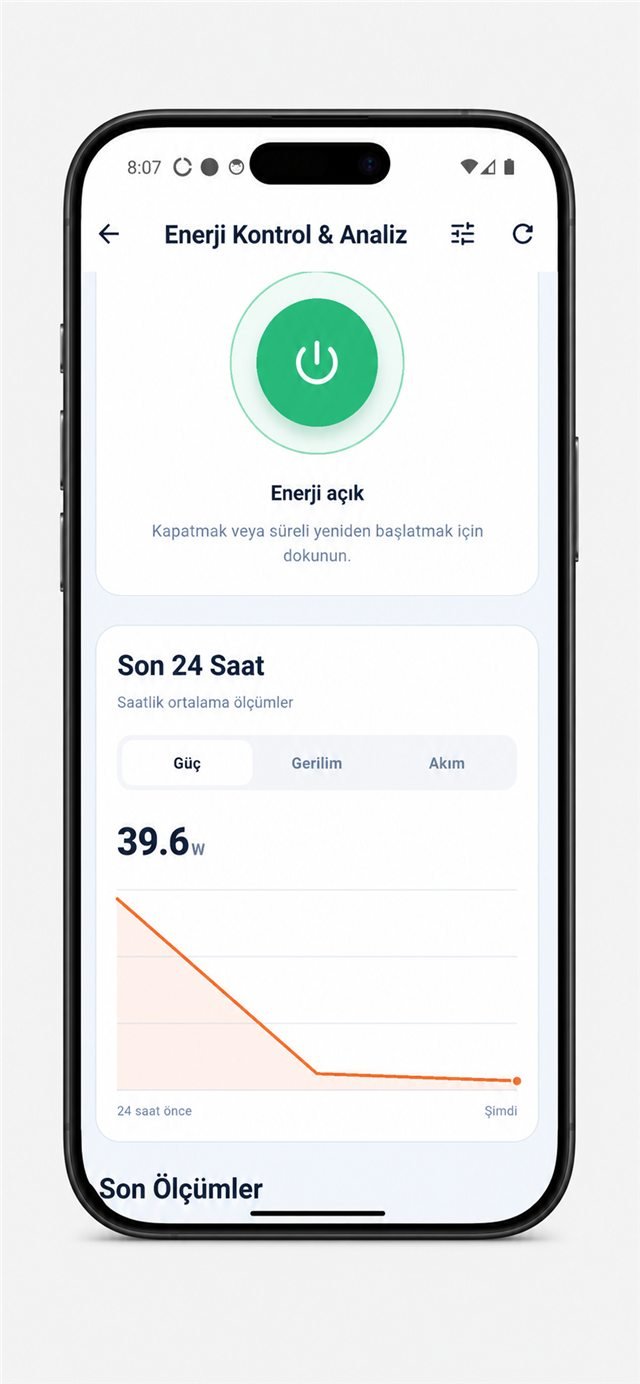
REST API telemetry, history and consumption
The documented examples use the /api/v1/telemetry, /api/v1/history and /api/v1/consumption paths. Confirm them against the installed firmware before building production code.
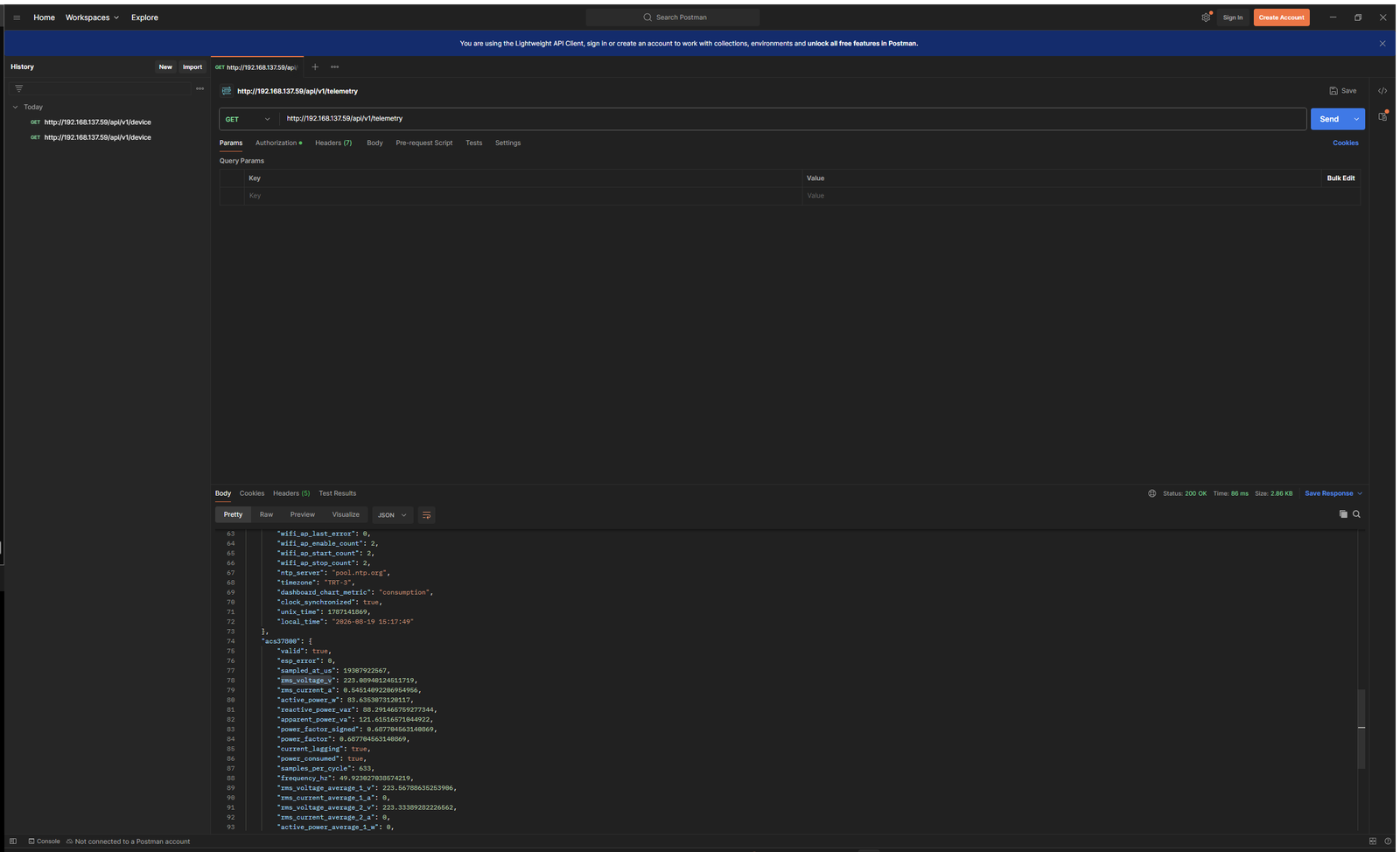
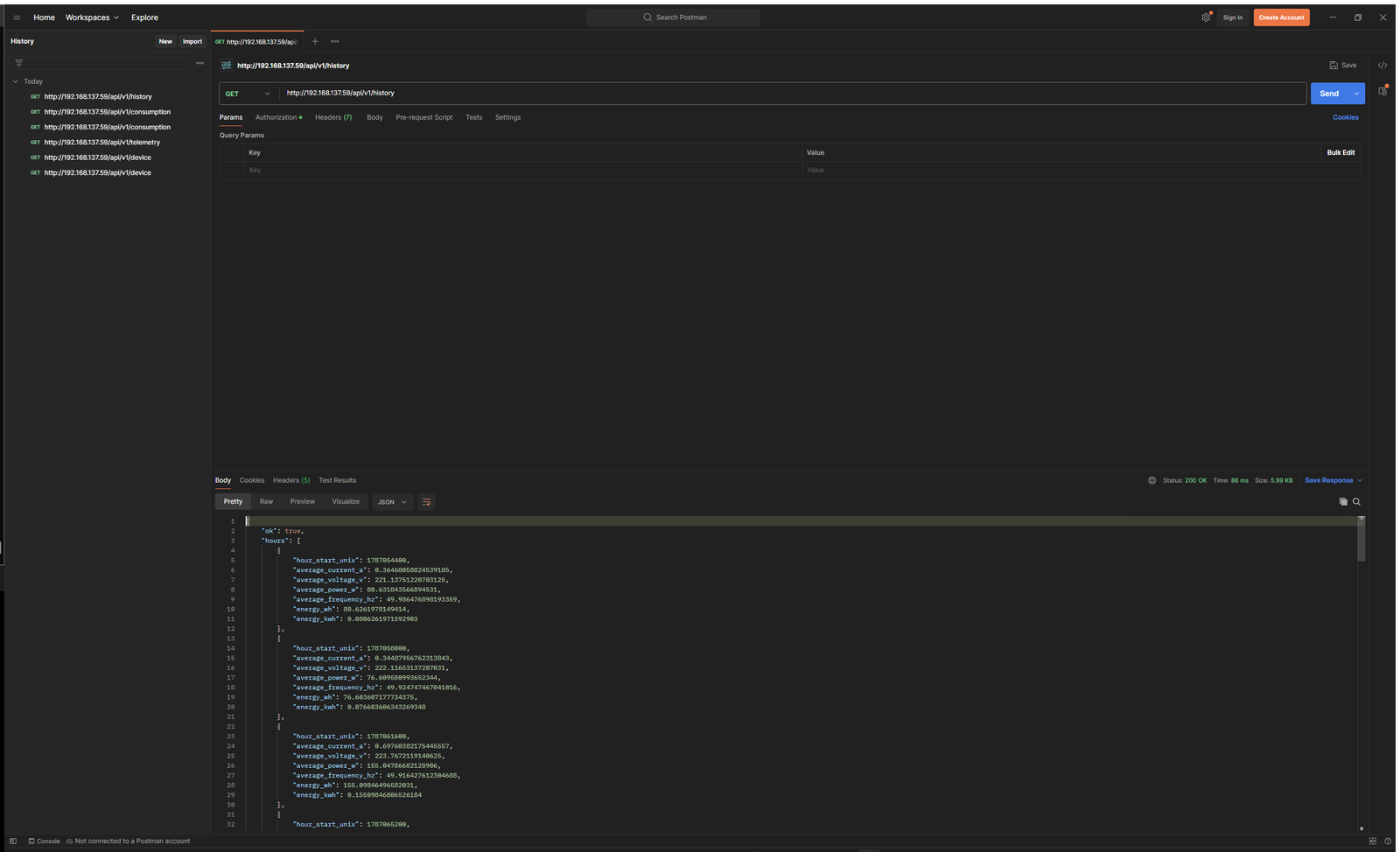
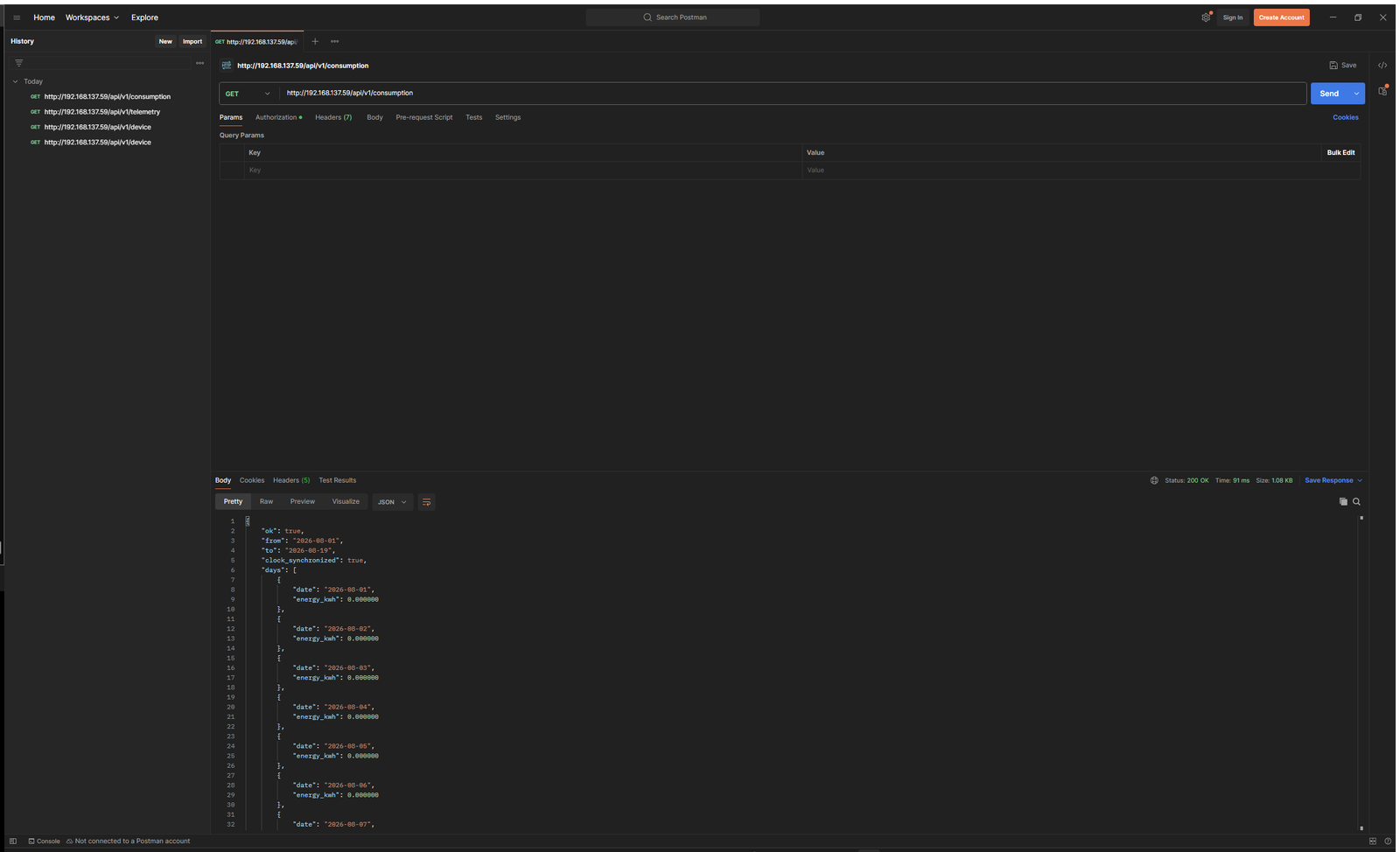
Build a durable data model
- Store device ID, equipment name, location, connector and responsible team.
- Store the raw timestamp, timezone and unit with every reading.
- Do not mix watts, volt-amperes, watt-hours and kilowatt-hours.
- Record firmware and API schema version alongside integration changes.
- Map the digital device to the physical cable and load before enabling control.
Create alarms from baselines, not guesses
Profile normal running, idle and off states for each load. Unexpected zero power might indicate a shutdown, an open relay or missing telemetry; high power might indicate legitimate load or a fault. Use delay, hysteresis and repeated samples to avoid alarms from short startup events. Service monitoring must remain separate from electrical telemetry.
Separate read access from relay control
Place device management on a controlled network segment. Use unique credentials, least privilege, logging and an organisation-approved remote-access path. Treat relay writes as privileged change operations: confirm target, maintenance window and state before the command, then read relay and measurement state again afterwards. The documented sample IP address and credentials are examples, not deployment defaults.
SNMP procurement checklist
- Exact product and firmware version
- Supported SNMP version and authentication/privacy mode
- Vendor MIB and stable numeric OIDs
- Read-only versus write objects
- Polling limits, counter units and rollover behaviour
- Trap availability and payload definitions
- Upgrade compatibility and support ownership
Can SNMP and REST be used together?
Potentially, after confirming the required SNMP objects and documented REST contract for the exact installed version.
Can the REST API control the relay?
The referenced guide contains authenticated relay examples. Restrict writes and validate target, timing and outcome before production use.
Is every endpoint available on every firmware?
No such assumption should be made. Match integration code and documentation to the deployed model and firmware.