Guides, comparisons and calculators
Make informed IT power decisions.
Learn how to plan remote recovery, choose connectors, estimate energy use and define a credible monitoring boundary. Each guide separates verified capability from assumptions that must be checked for your equipment and site.
- 12 resourcesin one English index
- 4 topicsfrom connectors to deployments
- 5 A product limitverify the equipment nameplate
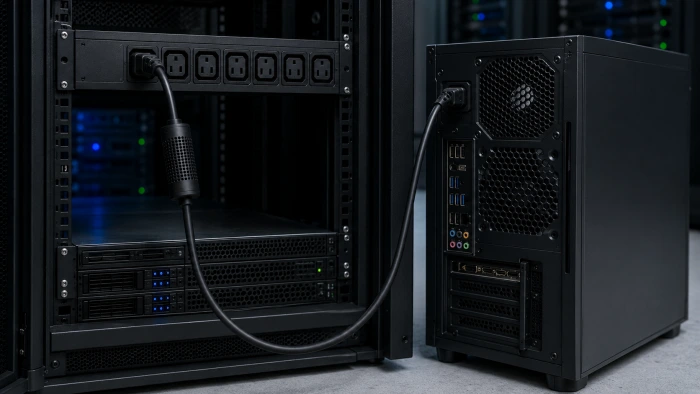
Power architecture
Connectors, distribution and backup.
Identify each component in the power path before comparing monitoring or switching options.
IEC C13, C14, C19 and C20 connector differences
Identify mating pairs and verify ratings before selecting a cable or PDU outlet.
Rack fundamentalsUPS vs PDU: what each device does
Separate backup and power conditioning from rack-level distribution.
ComparisonSmart PDU vs smart power cable
Compare rack-wide management with selective per-device monitoring and control.
Remote recovery
Restore service with a defined escalation path.
Understand the difference between graceful software actions, network wake and last-resort AC power control.
Remote server power control and reboot procedures
Build an authorised runbook for unresponsive equipment before using an AC power cycle.
Remote PC accessHow to turn on a PC remotely: WOL vs AC power
Choose between Wake-on-LAN and tested AC-recovery behaviour for unattended PCs.
BIOS and UEFIHow to auto-start a PC after power is restored
Find, configure and test the motherboard setting that controls startup after AC loss.
Energy measurement
Turn observed power into useful estimates.
Use measured watts, realistic schedules and your own billing inputs instead of universal savings claims.
Server power consumption and electricity cost calculator
Convert measured average watts and runtime into daily, monthly and annual energy estimates.
Office calculatorAfter-hours energy cost for 100 office PCs
Model off-hours consumption with measured states, device count, schedule and local tariff.
Office guideOffice PC and monitor energy savings guide
Measure active, idle, sleep and off states before creating a shutdown policy.
Integration and deployment
Define the data and control boundary.
Map each physical feed, device identity and authorised action before scaling monitoring across racks or sites.
SNMP and REST API power monitoring
Use documented REST functions and verify SNMP scope for the exact model and firmware.
Hosting solutionPer-server energy monitoring for hosting providers
Add a defined measurement point for selected compatible servers without replacing the rack PDU.
Multi-site solutionMulti-site IT power monitoring and remote control
Plan telemetry, device identity and authorised intervention across distributed locations.
From research to selection
Ready to compare the connector options?
Review the four product paths or share your source outlet, equipment nameplate and operating requirement with technical sales.
Where can Smart Kablo be used?
Explore energy measurement, remote supply control and automatic overvoltage cutoff in displays, CCTV, networks, gaming, studios, classrooms, laboratories and retail. Check inlet and load compatibility for each device.
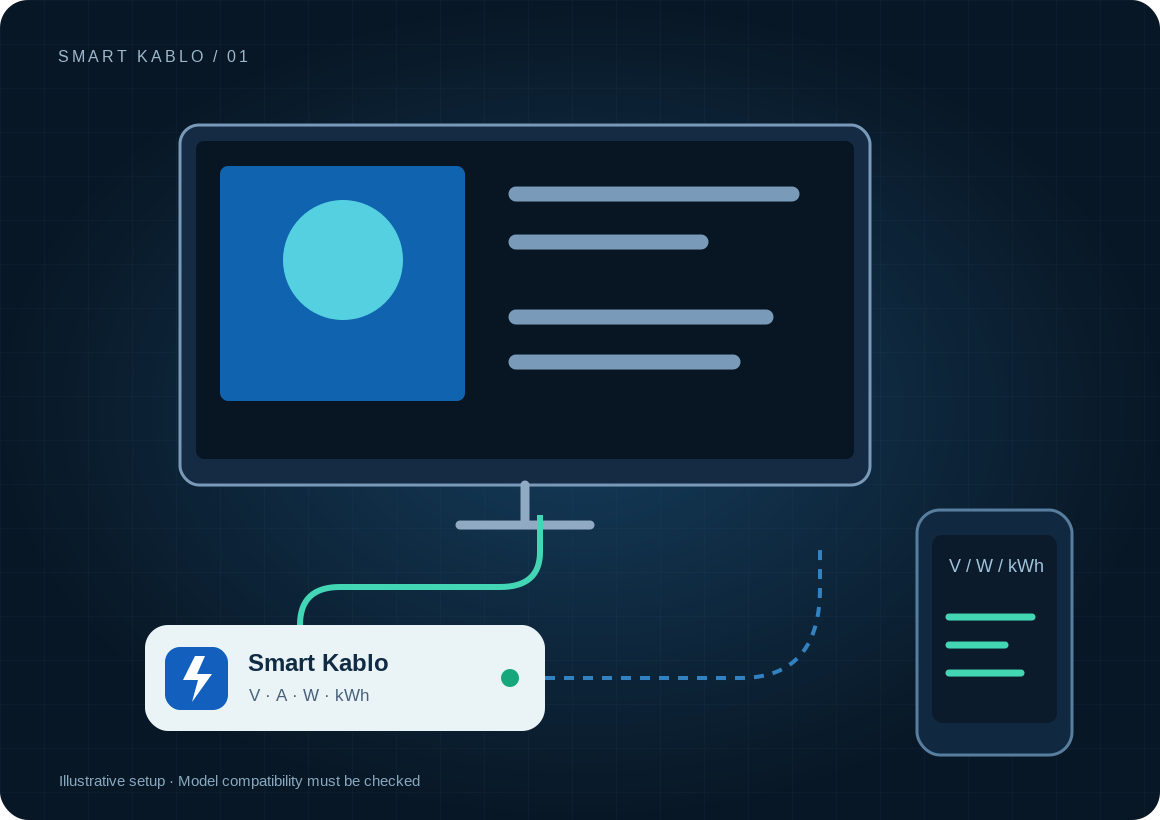
Digital signage and kiosks
Storefront display, restaurant menu board or reception kiosk: measure electricity use, control the supply and build a recovery process that can reduce unnecessary site visits.
Read the guide ↗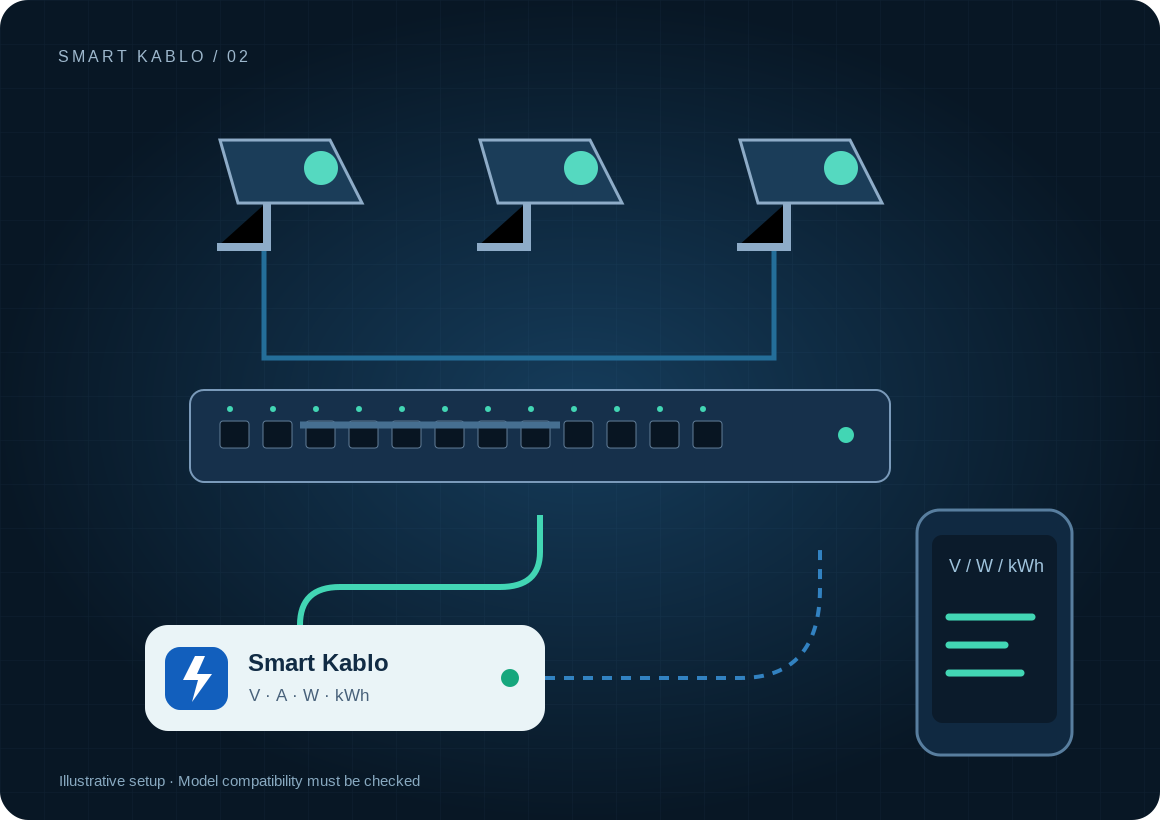
CCTV and recording systems
An NVR, its cameras and a PoE switch do not necessarily share one supply. Define the measurement boundary, follow consumption and plan every intervention around recording continuity.
Read the guide ↗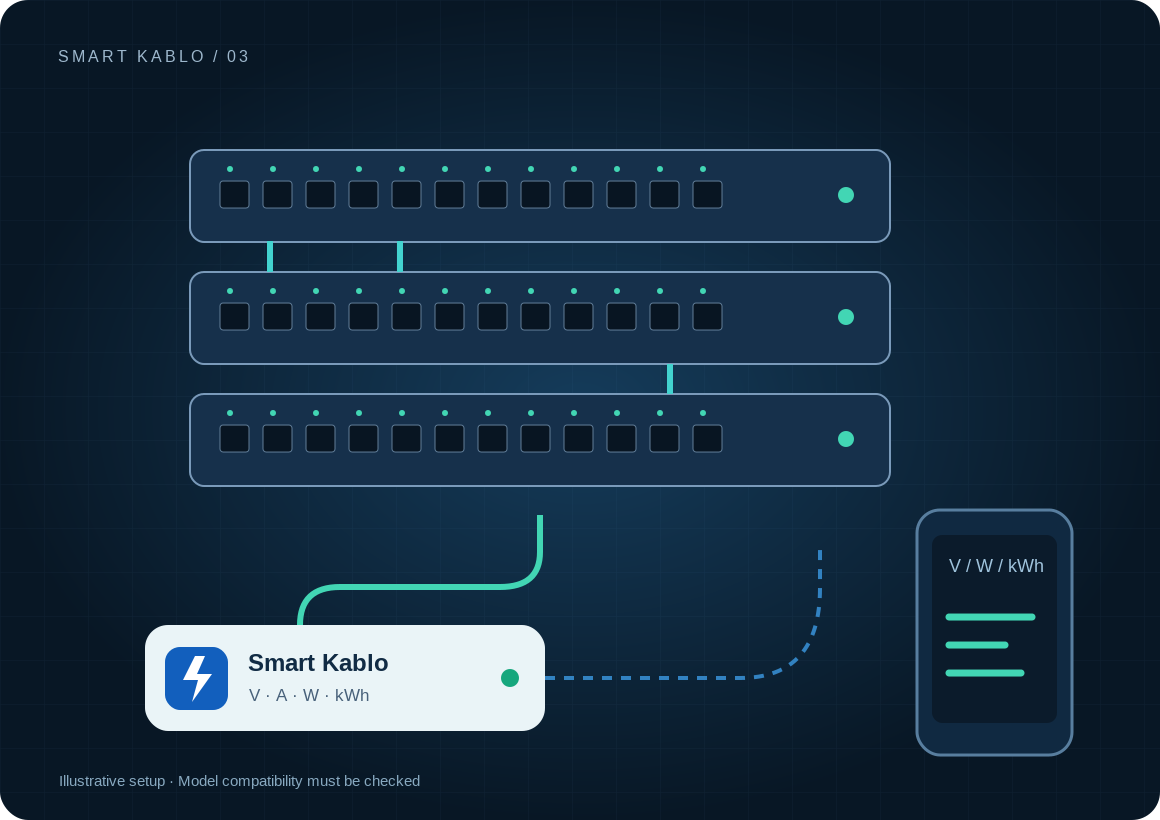
Network infrastructure
See the electrical state of the equipment that keeps a branch online. Plan supply intervention around the management connection you could lose when equipment is switched off.
Read the guide ↗
Gaming and esports centres
Occupied gaming time, idle desktops and overnight standby create different costs. Follow the actual kWh drawn by each compatible PC to understand station costs and out-of-hours use.
Read the guide ↗
Music and audio studios
Make consumption visible across active speakers, mixers and rack equipment. Combine supply control with the correct startup and shutdown order for the audio system.
Read the guide ↗
Education and meeting rooms
Track interactive boards, presentation displays and projectors by room. Compare real consumption with scheduled use and build shutdown around the equipment’s own procedure.
Read the guide ↗
Laboratory and electronic testing
Track AC consumption in compatible oscilloscopes, spectrum analysers and bench power supplies. Separate experimental energy cost, warm-up time and idle operation in the same record.
Read the guide ↗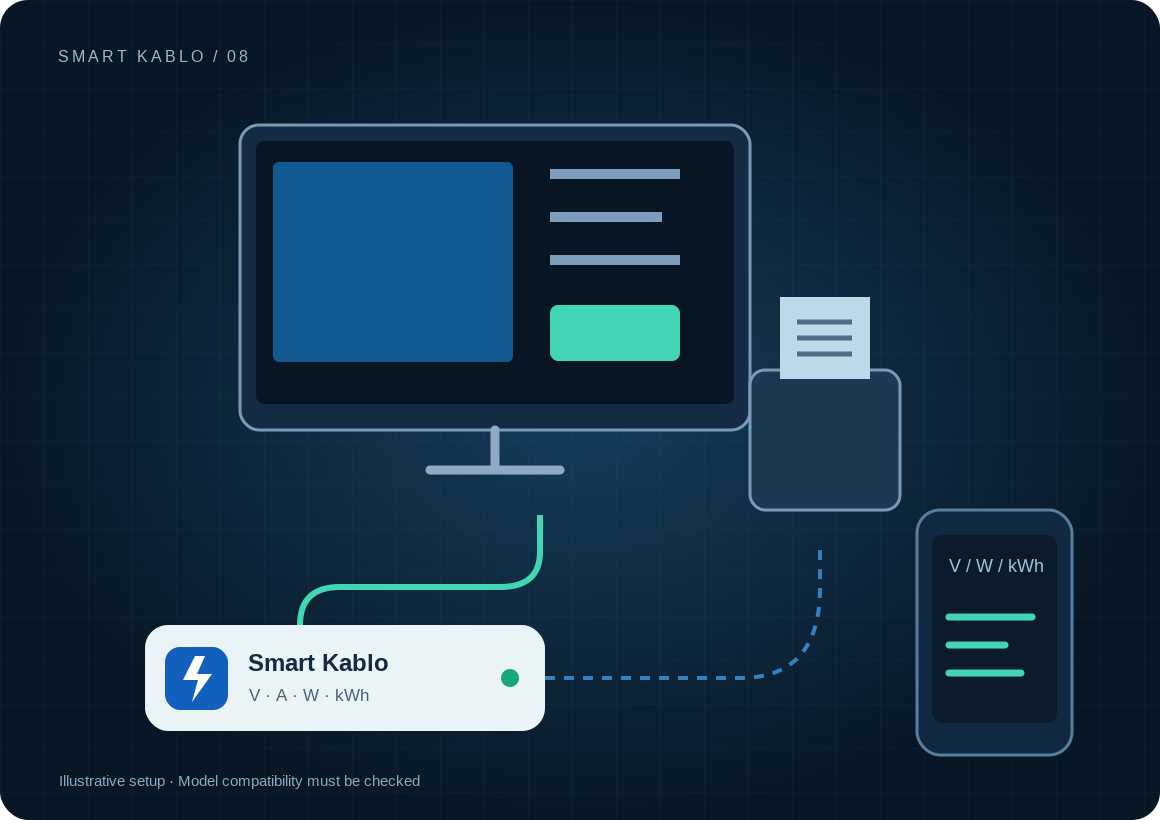
Retail and checkout systems
Treat the POS computer, display and self-service terminal as defined measurement points. Manage the supply only after sales and end-of-day processes are complete.
Read the guide ↗Get to know Smart Kablo.
Compare your options, inspect the connections and put energy data to work.
Smart plug or smart power cable?
Compare energy monitoring, safe PC startup, connector types and automatic overvoltage cutoff.
Read the comparison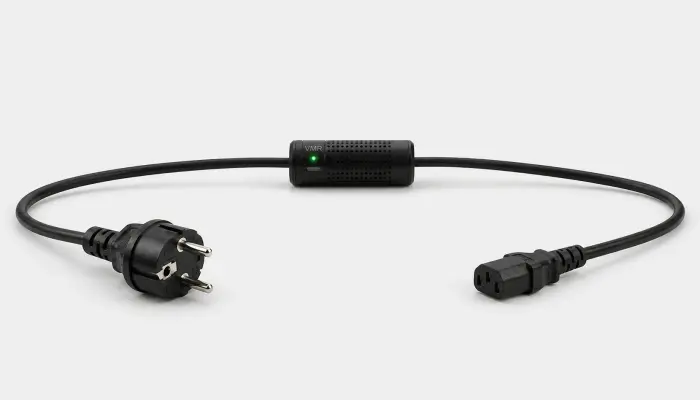
Connections & measurement screens
C14, C20 and Schuko product images, connector diagrams and mobile energy data.
Explore the image galleryMeasure electricity use
Read a wattmeter and calculate the kWh difference.
Read guideOvervoltage cutoff
Understand automatic cutoff, surge protection and UPS backup.
Read guide3D printer energy and control
Calculate print costs and plan safe remote power control.
Read guideWiFi current meter
Monitor amps remotely and choose the right measurement point and connection.
Read guideWiFi power meter
View active watts and kWh history, then calculate energy cost.
Read guideWiFi smart plug setup and control
Explore phone-based switching, network setup and connection troubleshooting.
Read guideChoosing an energy meter
Compare device, socket, inline and distribution-board measurement.
Read guideRemote PC shutdown
Shut down the operating system safely before switching the power supply.
Read guidePC power consumption
Calculate daily kWh and cost from active, idle and standby use.
Read guideSmart ATS: automatic backup supply
Two Smart Kablo inputs, one output and backup within 3 seconds without internet.
Read guide