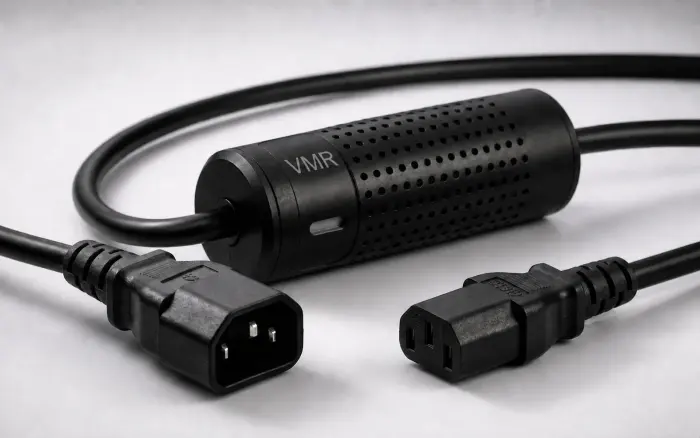
Smart power cable range

Choose the input that matches your power source.

Every SmartKablo model adds per-device electrical measurements and authorised relay control before a compatible IEC C14 equipment inlet. Start with the source outlet, then verify the equipment nameplate and the 5 A continuous-current limit.

  • 5 A maximumcontinuous current
  • IEC C13equipment-side output
  • Wi-Fi + RESTauthorised operation
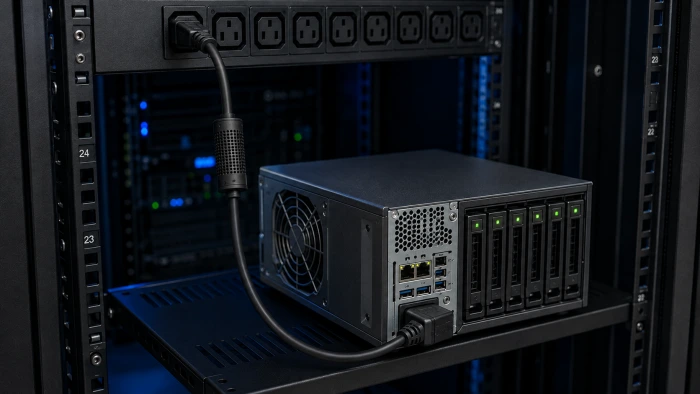
SmartKablo inline power cable installed between a rack PDU and a NAS
Connector fit is the first check; voltage, grounding, load and operating procedure still matter.
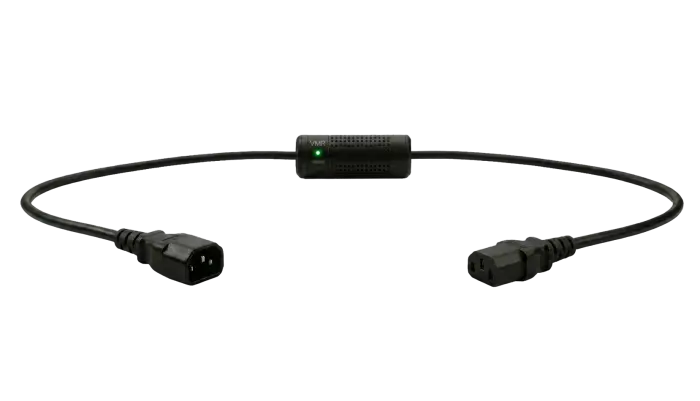
C14 → C13Standard PDU or UPS outlet
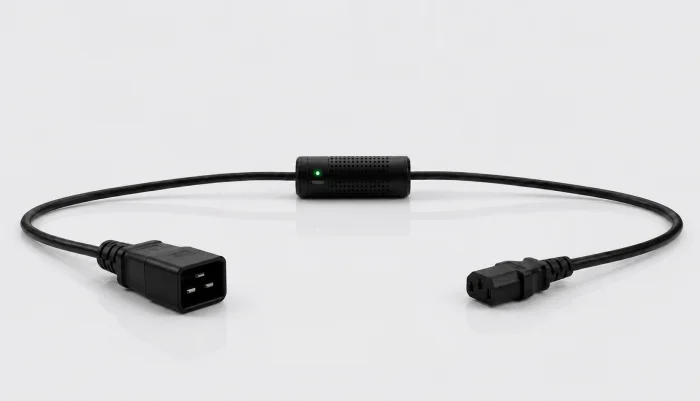
C20 → C13IEC C19 rack PDU outlet
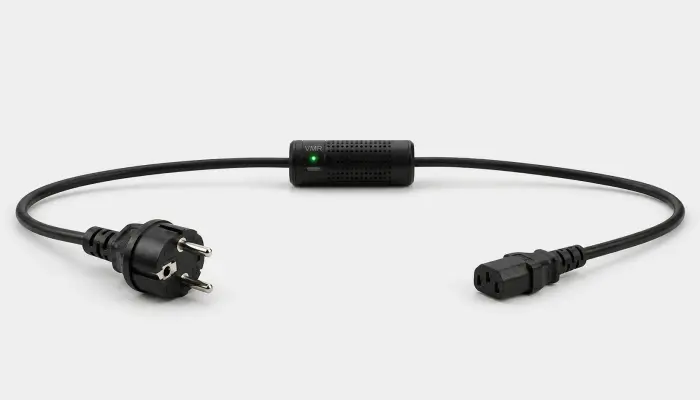
Schuko → C13Verified grounded wall outlet
NEMA → C13Project-specific engineering review

Four connection paths

Compare SmartKablo models.

These pages describe the actual source outlet, cable input and equipment side. Do not select a model by equipment category alone.

A three-part compatibility check

Verify the complete power path.

01

Identify the source outlet

Record the exact PDU, UPS or wall-outlet type, voltage, frequency, grounding and upstream protection.

02

Check the equipment inlet and load

Confirm the equipment connector, full nameplate data, normal current and startup behaviour against the 5 A limit.

03

Define the operating workflow

Document who can view measurements or operate the relay and when a last-resort power cycle is permitted.

Connector, nameplate, country

Need help selecting a SmartKablo model?

Send the source outlet, equipment inlet, nameplate, quantity and installation country for a technical compatibility review.