Do not publish a generic “100 PCs use this much” claim.
Hardware, monitor count, sleep policy, remote access and updates create different results. Use representative measurements and your current bill.
Office PC after-hours energy calculator
Results update when an input changes.
This is the mathematical difference between your measurement, time and rate inputs. It is not a guaranteed saving or bill forecast.
How the calculation works
managed PCs × ((current W − target W) + monitor difference) × after-hours ÷ 1,000
Multiply the kWh difference by the rate from your bill for a cost scenario. Keep currency, taxes and tariff period visible in any report.
Why realistic scenarios differ
Active services, peripherals and displays can keep after-hours watts far above a true off state.
A mature endpoint policy may already leave little avoidable energy; measurement prevents double-counting.
Measure the exact endpoint
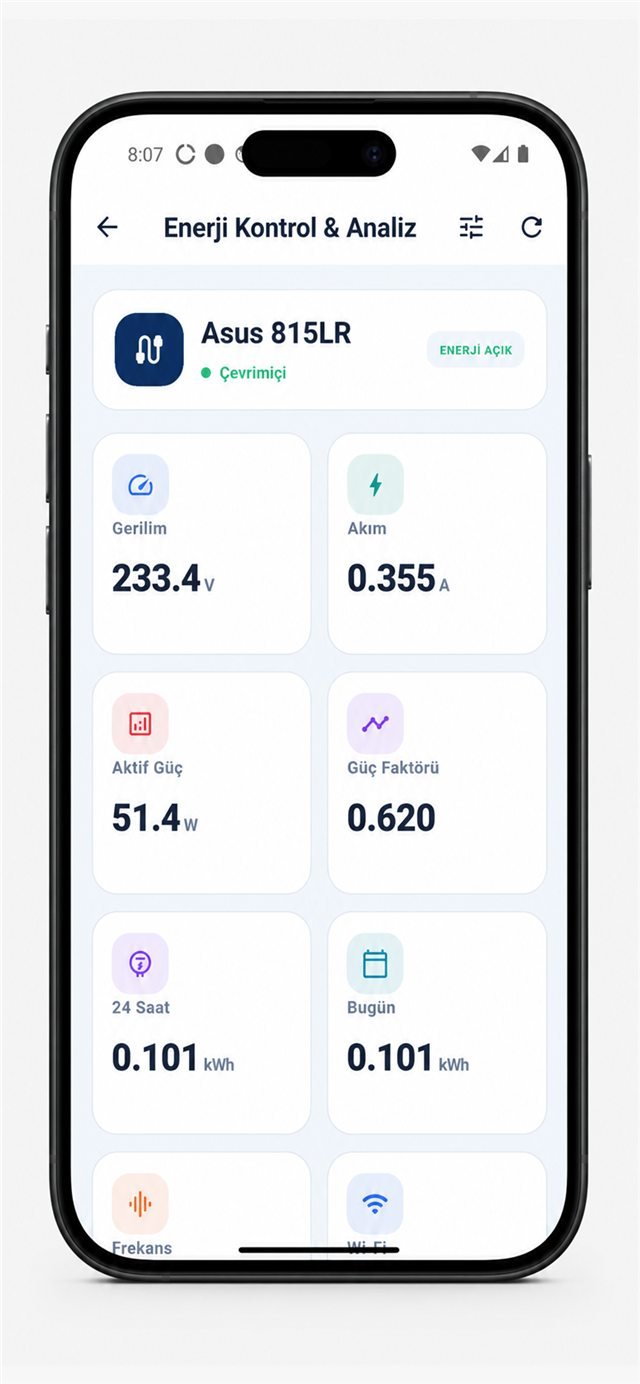
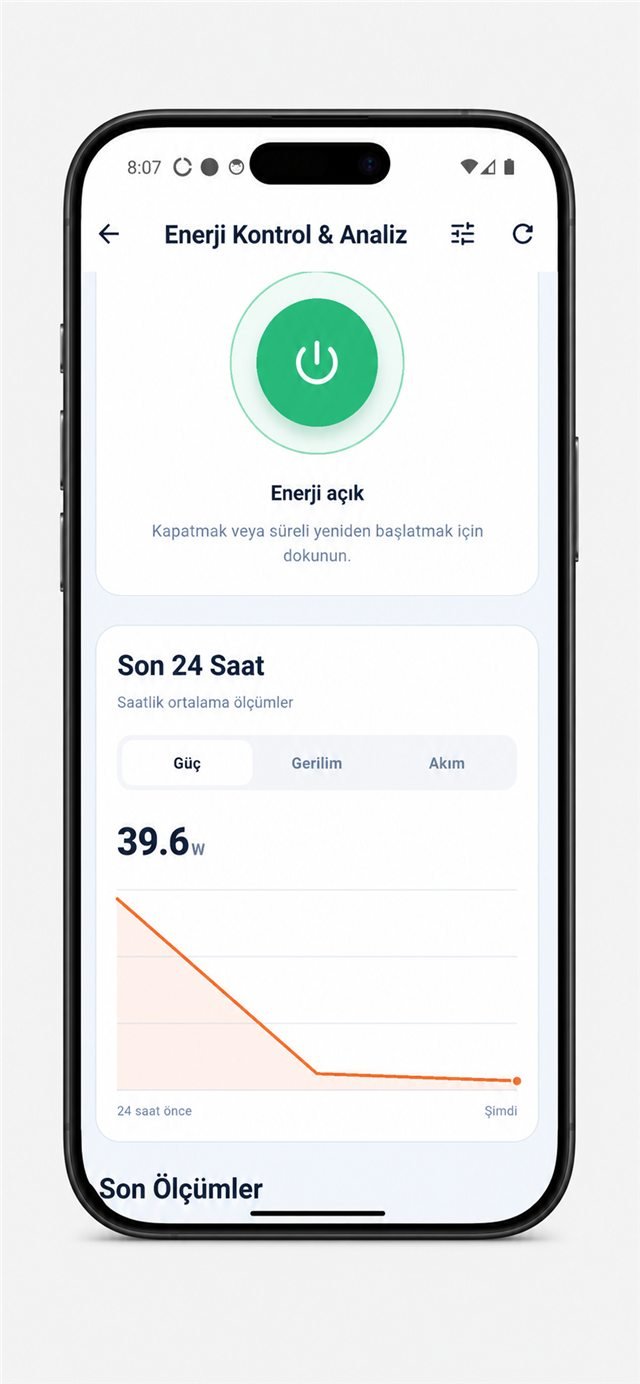
Record at least several normal days. Separate active, idle, sleep, soft-off and fully de-energised states. Include docking stations and monitors only when they share the measured boundary. A PSU label is not a measurement.
Use live readings and recent history together.
A safe 100-PC rollout
- Pilot representative PC, monitor and docking-station models.
- Use endpoint management for a graceful operating-system shutdown.
- Exclude devices with overnight updates, remote access or critical services.
- Verify measured power reaches the intended target state.
- Test startup behaviour and user impact before expanding the policy.
- Compare a second measured period against the baseline.
Compatibility limits
Every connected device must remain within the 5 A continuous-current limit. Verify voltage, frequency, protective earth, source and equipment connectors, measured current and startup behaviour. Compatibility cannot be inferred from “desktop PC” or a country name alone.
Why does the calculator default to 100 PCs?
It mirrors the example question. Replace all values with your measured estate.
Does the target value mean zero watts?
Not necessarily. Wake features, adapters and controls may retain a small load. Measure the actual target state.
Is the cost result guaranteed?
No. It is a scenario based entirely on the values entered.