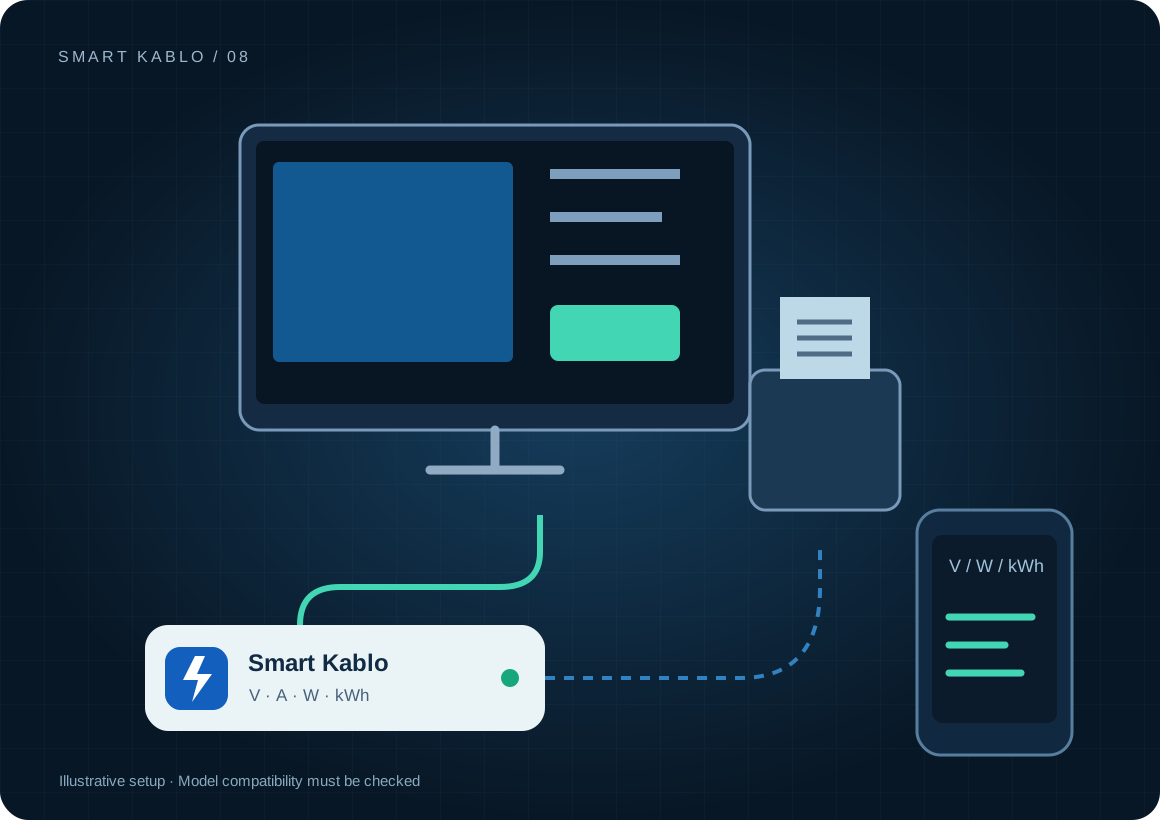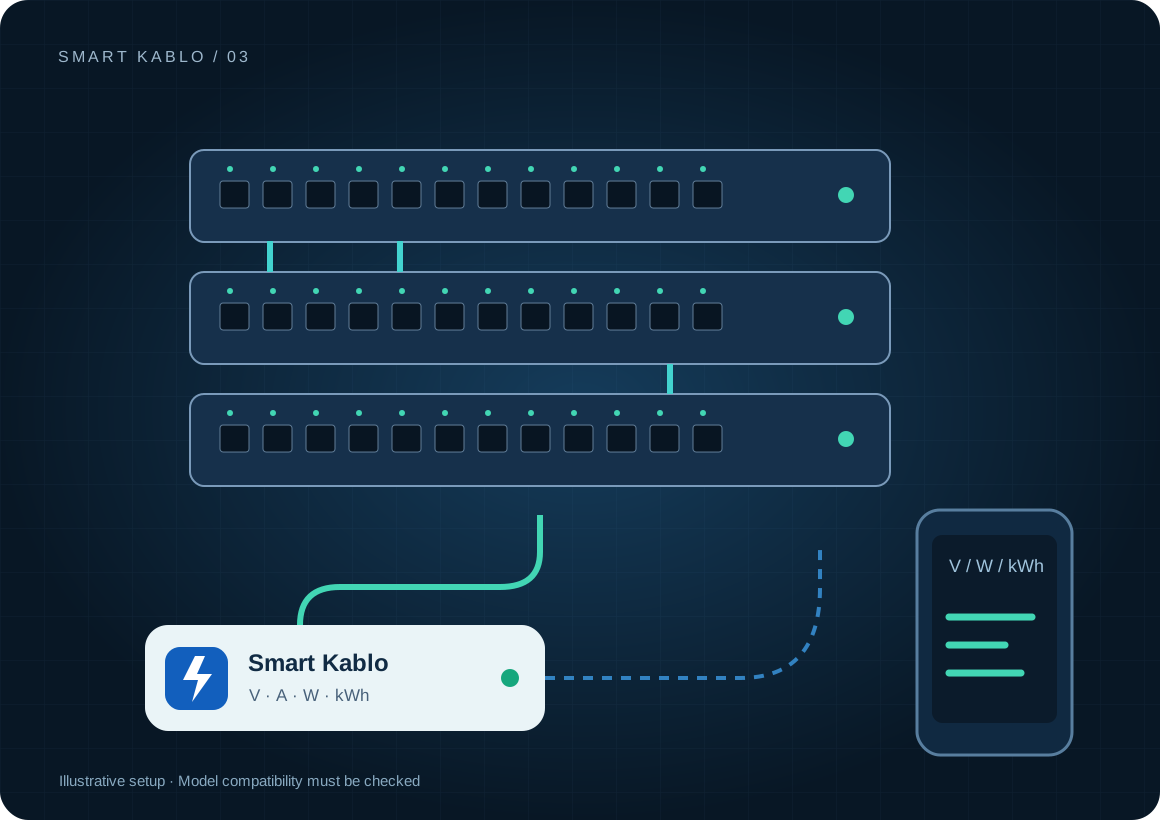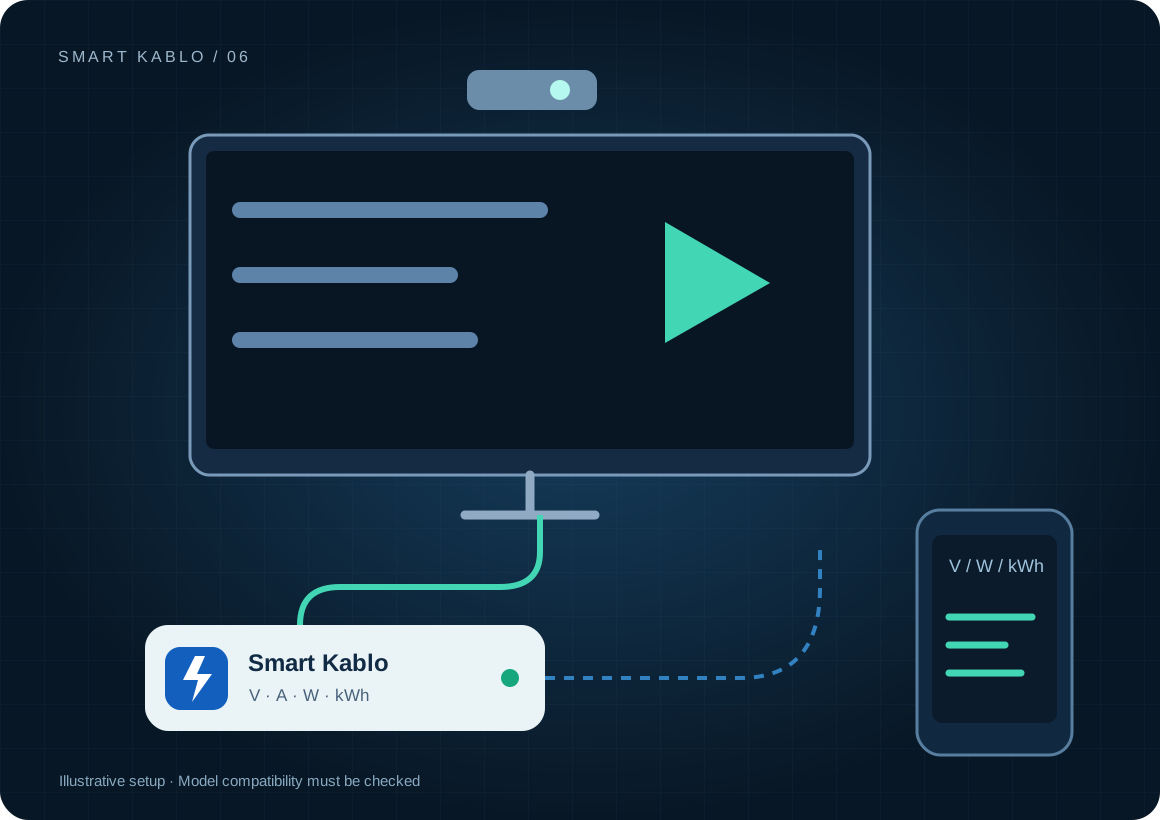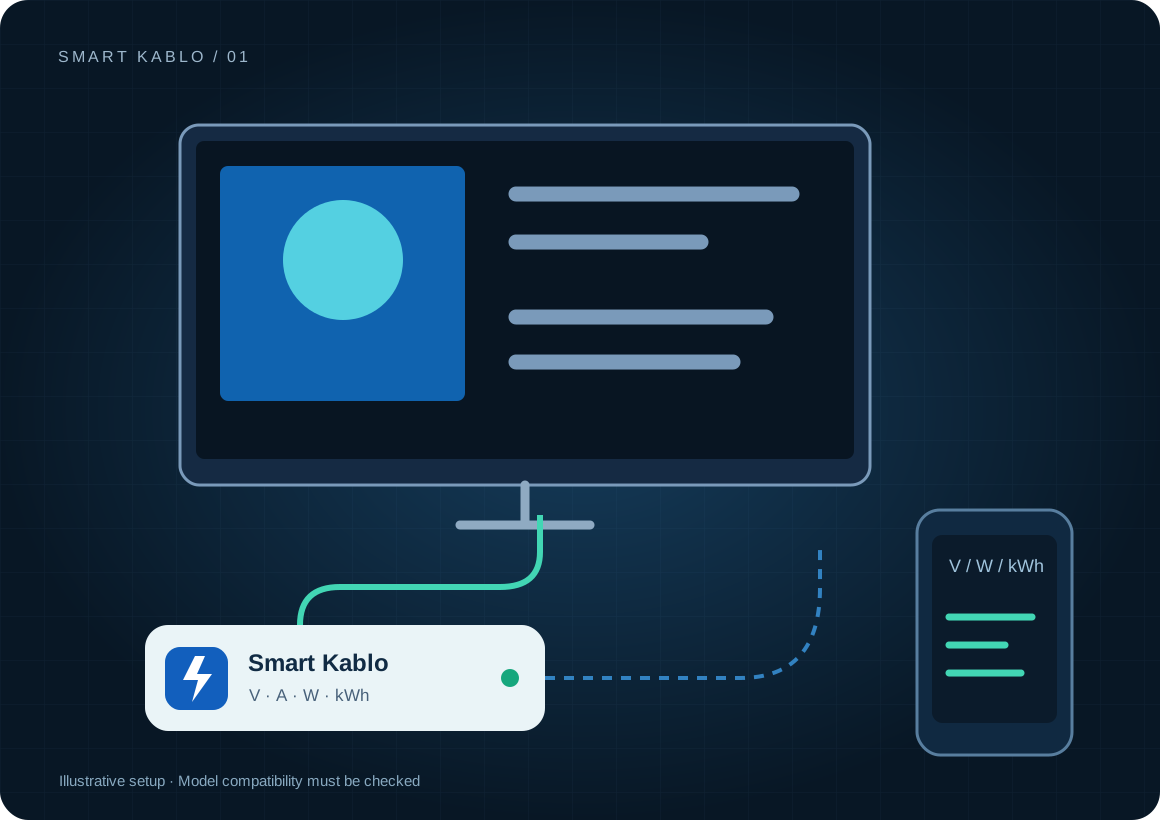
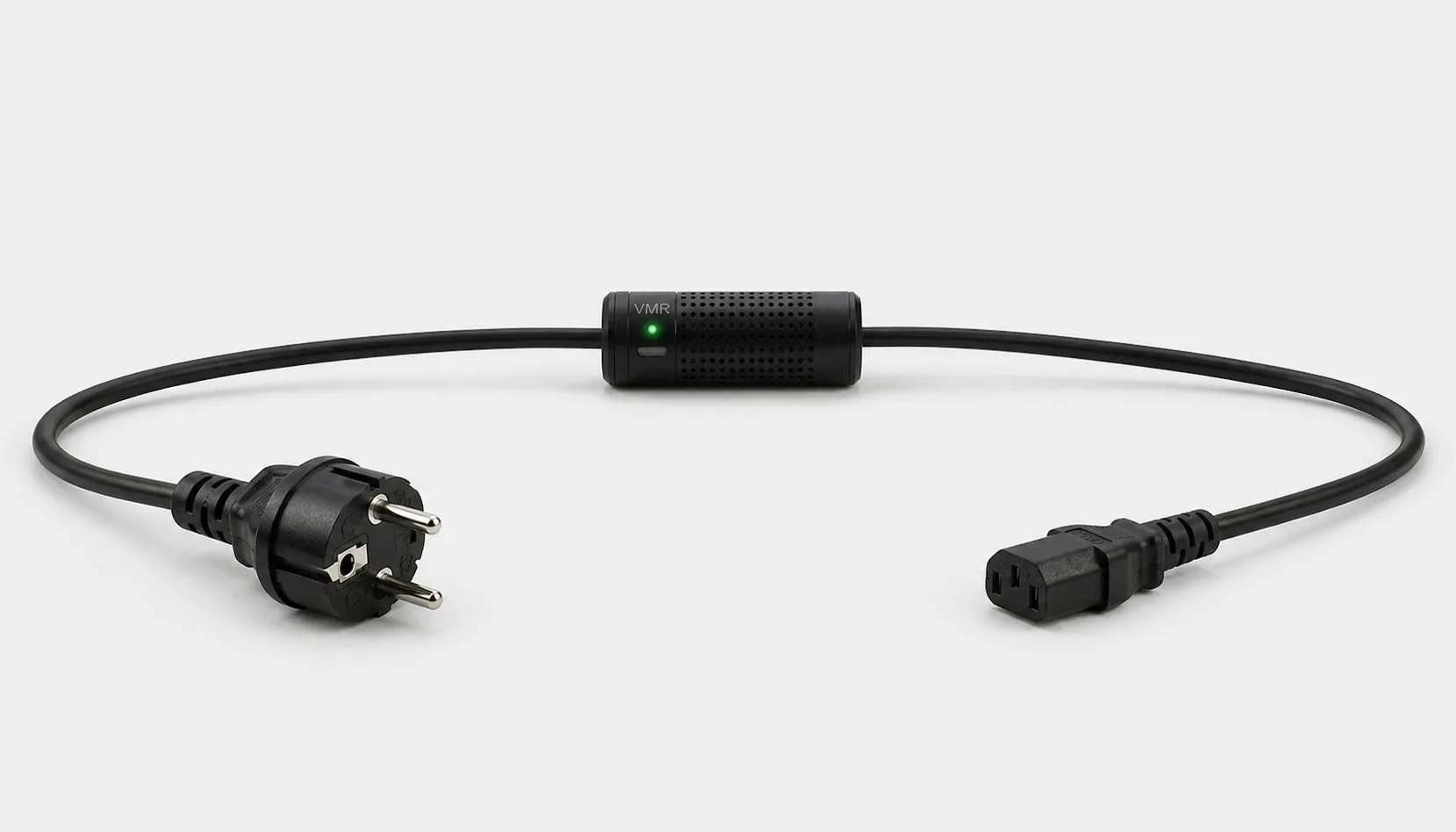
Smart Kablo measures and controls the supply to a compatible display or kiosk computer. It does not verify the picture or content playback on its own. Use power information alongside the display management software.
Why does digital signage need power visibility?
A black screen does not always mean a power failure. A media player may have frozen, the input may have changed or the content application may have stopped. Power and voltage readings help an operator choose the next check. A low watt reading alone cannot establish the cause.
Across multiple locations, compare operating hours and total kWh for each display. Differences between similar screens can justify a closer look at brightness, schedules and what each measurement includes. Base the saving calculation on those records rather than a claimed percentage.
Which equipment can be considered?
| Equipment / measurement point | Measurement boundary | Commissioning check |
|---|---|---|
| Professional display | The display supply | C14 inlet and power-restoration behaviour |
| Kiosk computer | Computer energy and supply state | Operating-system shutdown and AC recovery support |
| Separate media player | The player supply only | Adapter AC inlet; no direct fit for C7 or DC inputs |
If the screen and player use separate supplies, a reading from one does not include the other. The C13 output is not a multi-screen distribution outlet. Assess the load at each connection.
Connector and load checks
The current C13-output Smart Kablo requires a C14 equipment inlet. Assess rated input, startup demand and continuous load against the 5 A limit. At 230 V, 5 A corresponds to 1,150 VA of apparent power; this is not a blanket 1,150 W load approval. Do not assume a direct fit with C5, C7, DC or other locking connectors.
Read the IEC connector guide →How should a frozen signage screen be recovered?
- Check the screen and player in the content management platform.
- Try the application restart or the equipment’s own reboot command first.
- If software control fails, follow the manufacturer’s permitted power-interruption procedure and verify the relay command result.
- After restoring power, confirm the selected input and actual content playback.
Smart Kablo does not choose an HDMI input, publish content or guarantee automatic startup. Test the display’s power-restoration setting during commissioning. Do not interrupt a kiosk transaction or an active disk write.
Remote Smart Cloud / Android control needs working Wi-Fi, internet access and authorised account access. Local interfaces and integrations depend on the installed version and network design.
Electricity use and cost calculator
This example assumes 10 displays, each averaging 100 W for 12 hours and 2 W during the remaining hours. These are calculation assumptions, not measured results for BenQ or another brand. Brightness, size and a separate media player affect the actual figure.
Cost = measured kWh × your electricity rate
A protection layer at the supply
Automatic relay cutoff on overvoltage
When overvoltage is detected, Smart Kablo automatically switches the relay off and disconnects the connected equipment supply. This adds a protection layer that helps limit exposure to excessive voltage.
- 01Overvoltage detected
- 02Relay switches OFF
- 03Equipment supply disconnected
A blank display may also follow an overvoltage protection event. Investigate a repeated cutoff instead of repeatedly switching the equipment back on while the supply problem remains.
Verify the protection threshold and restoration behaviour in the installed device settings. This function does not supply backup power or guarantee protection against lightning or every transient surge. Assess required UPS and suitable surge-protection hardware separately.
Start with a small pilot
Log opening, playback and closing hours at one location for seven days. Give the screen and player separate names. Assign responsibility for checking the picture after intervention. Compare kWh per display, out-of-hours consumption and the need for an on-site visit.
Document the actual model, inlet, nameplate current and startup behaviour before extending the rollout. Product documents · Controlled power intervention guide
Frequently asked questions
Can I switch a signage screen from my phone?
You can control the supply when the connector and electrical load are compatible. Whether the display starts automatically depends on its power-restoration setting. Check playback separately.
Does Smart Kablo automatically detect a frozen screen?
Power readings alone do not prove a freeze. Automatic decisions need a separate health check or content-system integration. A ready-made signage watchdog is not implied.
Can one cable measure ten displays?
The current C13-output product is not a distribution strip. Assess connector type, total current and startup load for every connection. The calculator’s quantity field is a mathematical total.
What does Smart Kablo do when overvoltage is detected?
When overvoltage is detected, Smart Kablo automatically switches the relay off and disconnects the connected equipment supply. This adds a protection layer that helps limit exposure to excessive voltage. Verify the protection threshold and restoration behaviour in the installed device settings. This function does not supply backup power or guarantee protection against lightning or every transient surge. Assess required UPS and suitable surge-protection hardware separately.