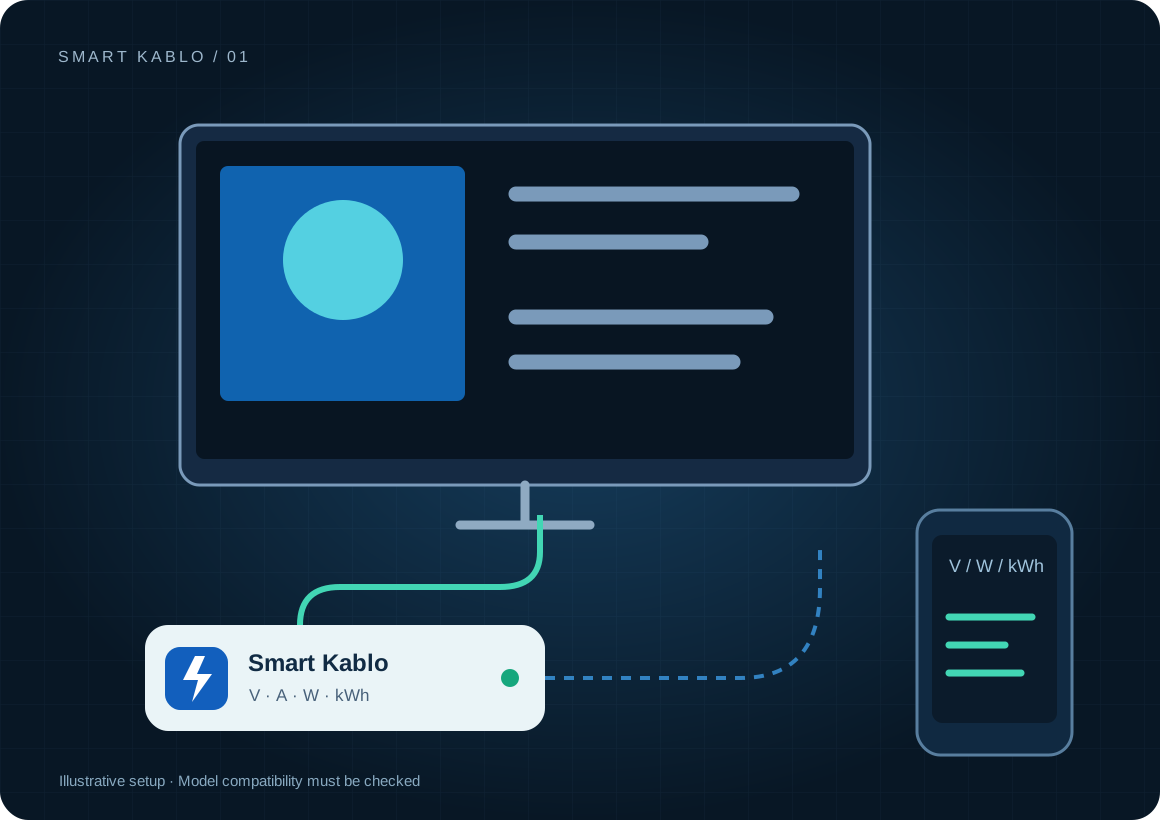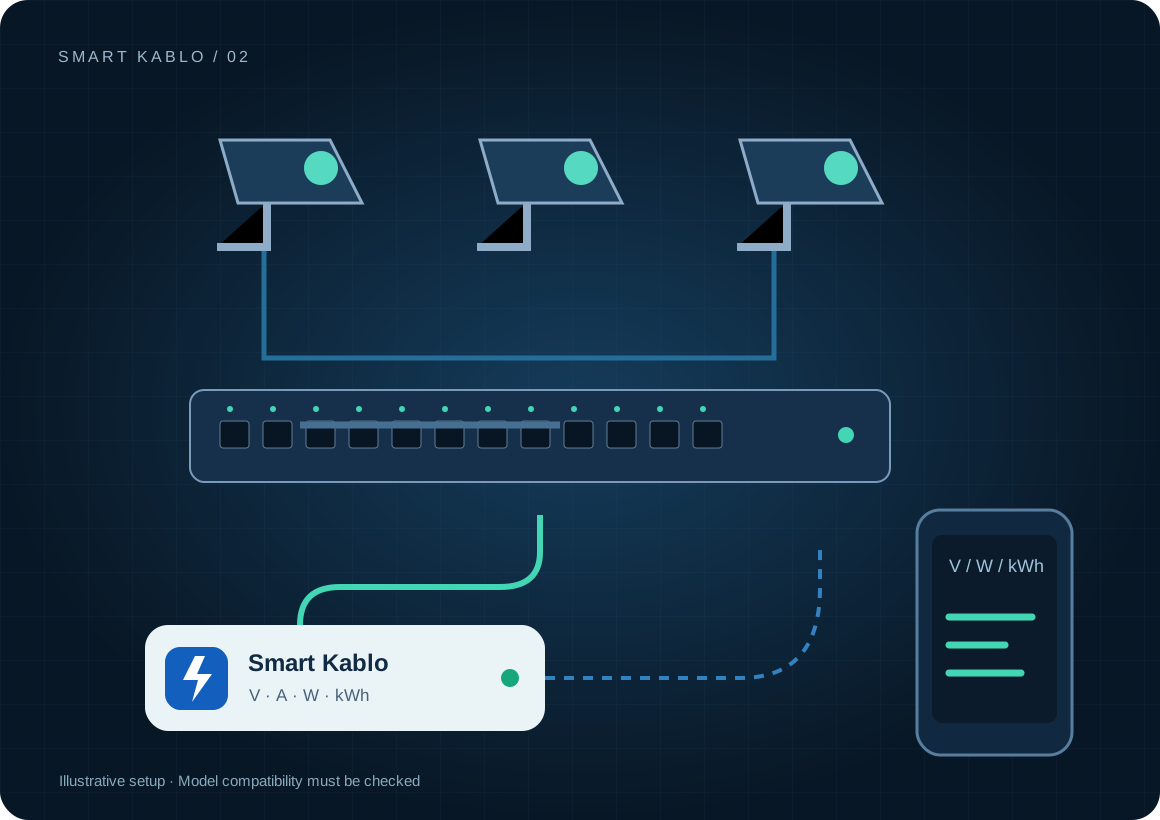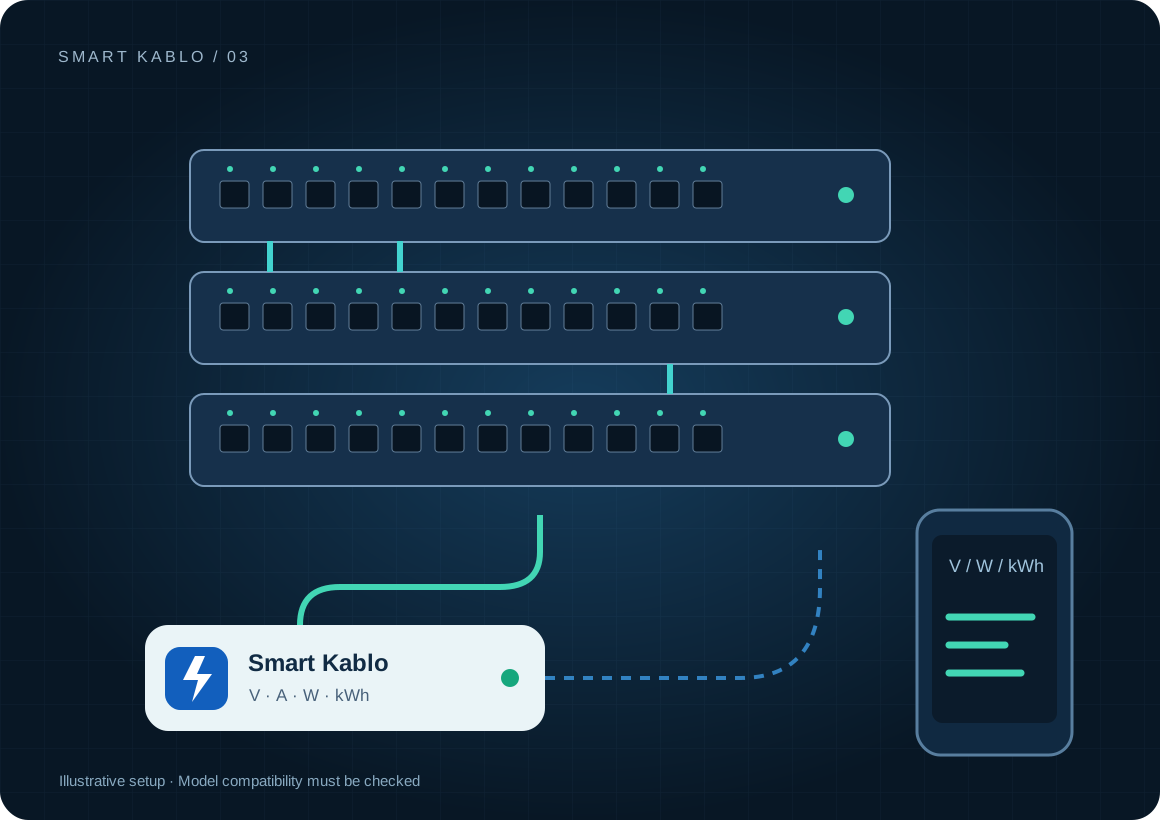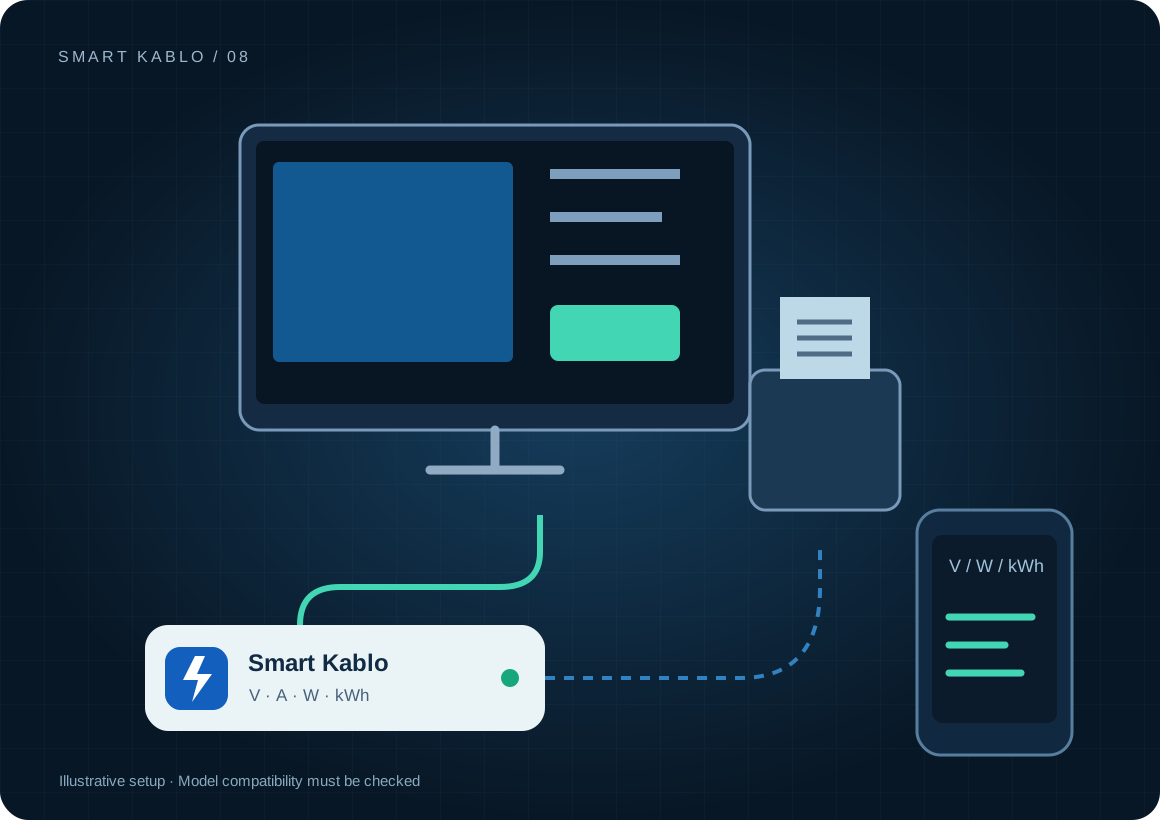
Smart Kablo can monitor and control a compatible POS computer or checkout display supply. It does not process payments, fiscal records or end-of-day reports. Planned power intervention follows completed transactions and data transfer.
Which device does a checkout reading actually cover?
A checkout can include a computer, touchscreen, receipt printer, barcode reader and payment terminal. They do not all necessarily share one inlet. USB-powered peripherals may be included in the computer reading, while separately powered devices need separate assessment.
When comparing stores, record checkout count, opening hours and overnight transfers. A higher kWh total at a store with longer hours does not prove inefficiency. Compare consumption per checkout and per operating hour together.
Which equipment can be considered?
| Equipment / measurement point | Measurement boundary | Commissioning check |
|---|---|---|
| POS computer | Computer and components on the same supply | C14 inlet or compatible adapter AC inlet |
| Checkout display | Separate display supply | Connector and sleep / restoration behaviour |
| Self-service terminal | Compatible terminal supply | Active orders, payments and transfers |
A card-payment terminal is not the same as a POS computer. Many use DC adapters and have no direct fit with a C13 output. Check the receipt printer and every peripheral against its own inlet and electrical rating.
Connector and load checks
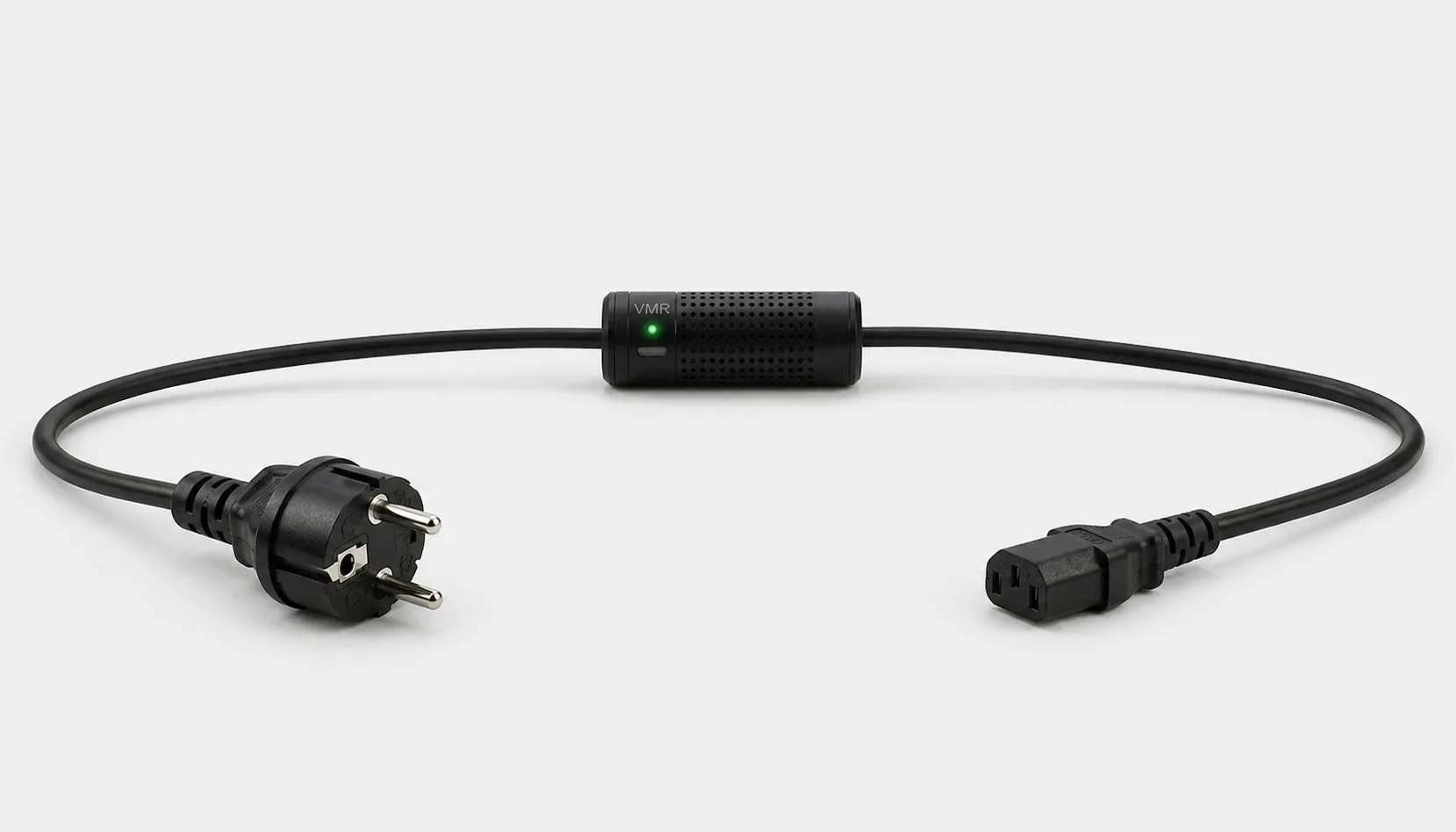
The current C13-output Smart Kablo requires a C14 equipment inlet. Assess rated input, startup demand and continuous load against the 5 A limit. At 230 V, 5 A corresponds to 1,150 VA of apparent power; this is not a blanket 1,150 W load approval. Do not assume a direct fit with C5, C7, DC or other locking connectors.
Read the IEC connector guide →Close the store without interrupting end-of-day work.
- Complete sales and payment sessions using the authorised store procedure.
- Confirm completion of end-of-day reports, stock synchronisation, backups and updates.
- Shut down the computer through the operating system. Then disconnect the relevant supply if appropriate.
- At opening, verify the POS application, network and peripherals.
A relay command does not cancel a payment, produce a fiscal report or perform an application shutdown. Do not inadvertently remove the network path needed for remote access. Keep checkouts performing overnight synchronisation on a separate operating plan.
Remote Smart Cloud / Android control needs working Wi-Fi, internet access and authorised account access. Local interfaces and integrations depend on the installed version and network design.
Electricity use and cost calculator
The example assumes five POS computers, each drawing 90 W for 12 hours and 3 W during other hours. Separately powered displays and printers are excluded. This is not an Elo model test result.
Cost = measured kWh × your electricity rate
A protection layer at the supply
Automatic relay cutoff on overvoltage
When overvoltage is detected, Smart Kablo automatically switches the relay off and disconnects the connected equipment supply. This adds a protection layer that helps limit exposure to excessive voltage.
- 01Overvoltage detected
- 02Relay switches OFF
- 03Equipment supply disconnected
Detected overvoltage causes automatic relay cutoff, disconnecting the checkout supply to help limit exposure. Because interruption can stop a transaction, assess UPS coverage, backups and application recovery separately for continuity.
Verify the protection threshold and restoration behaviour in the installed device settings. This function does not supply backup power or guarantee protection against lightning or every transient surge. Assess required UPS and suitable surge-protection hardware separately.
Start with a small pilot
Monitor one checkout at one store first. Mark opening, trading, synchronisation and closed periods. Test intervention with the responsible store operator. After a week, review kWh per checkout, overnight use and morning startup issues together.
Document the actual model, inlet, nameplate current and startup behaviour before extending the rollout. Product documents · Controlled power intervention guide
Frequently asked questions
Does Smart Kablo connect directly to a card-payment terminal?
That depends on the inlet. The current C13 output is for compatible C14-input equipment. It does not connect directly to a DC-powered card terminal.
Can I cut power before end-of-day processing finishes?
For normal shutdown, finish sales, payments, reporting and transfers first. Then follow graceful equipment shutdown. The relay cannot independently confirm completion of a data write.
Does a POS computer measurement include the receipt printer?
Not if the printer uses a separate supply. Document the electrical boundary and add only loads genuinely included in the measurements.
What does Smart Kablo do when overvoltage is detected?
When overvoltage is detected, Smart Kablo automatically switches the relay off and disconnects the connected equipment supply. This adds a protection layer that helps limit exposure to excessive voltage. Verify the protection threshold and restoration behaviour in the installed device settings. This function does not supply backup power or guarantee protection against lightning or every transient surge. Assess required UPS and suitable surge-protection hardware separately.