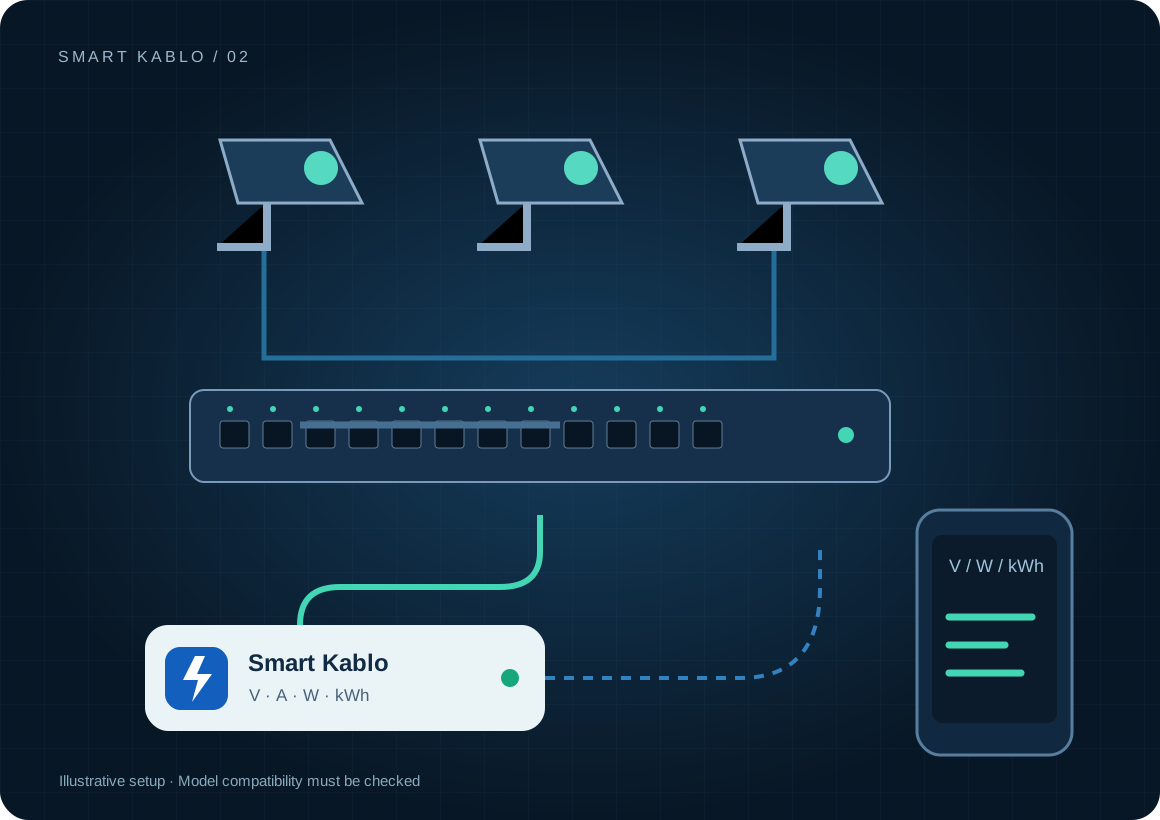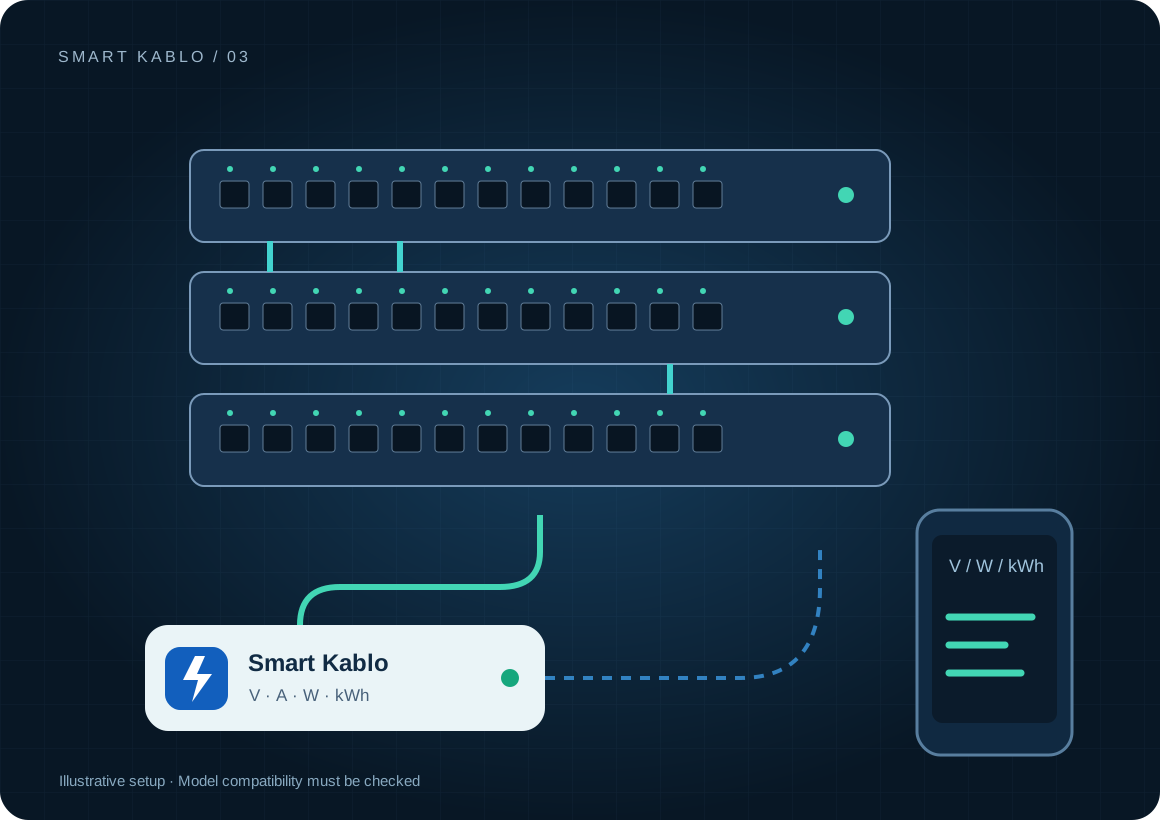
For compatible network equipment, Smart Kablo combines voltage, power and kWh readings with supply control. Switching off the firewall or switch carrying the control connection can also remove remote access. Verify the return path beforehand.
What does a PoE switch power reading include?
A measurement at the switch AC inlet includes its electronics and the phones, access points or cameras currently powered through its PoE ports. The PoE budget is a capacity limit, not constant consumption. Actual demand changes with port loads and operating states.
Dividing total kWh equally between ports can misrepresent individual device costs. The cable measures the supply total; use the switch’s port telemetry for a more detailed allocation. Also state whether UPS losses sit inside or outside the measurement boundary.
Which equipment can be considered?
| Equipment / measurement point | Measurement boundary | Commissioning check |
|---|---|---|
| Managed switch | Switch and connected PoE loads | C14 inlet and rated input at full PoE load |
| Firewall / gateway | The equipment supply | Whether control traffic depends on this device |
| Rack network equipment | One compatible supply inlet | Both feeds on dual-supply equipment |
Small routers and some firewalls use DC adapters rather than a compatible AC inlet. On dual-supply equipment, disconnecting one cable does not necessarily switch off the device.
Connector and load checks
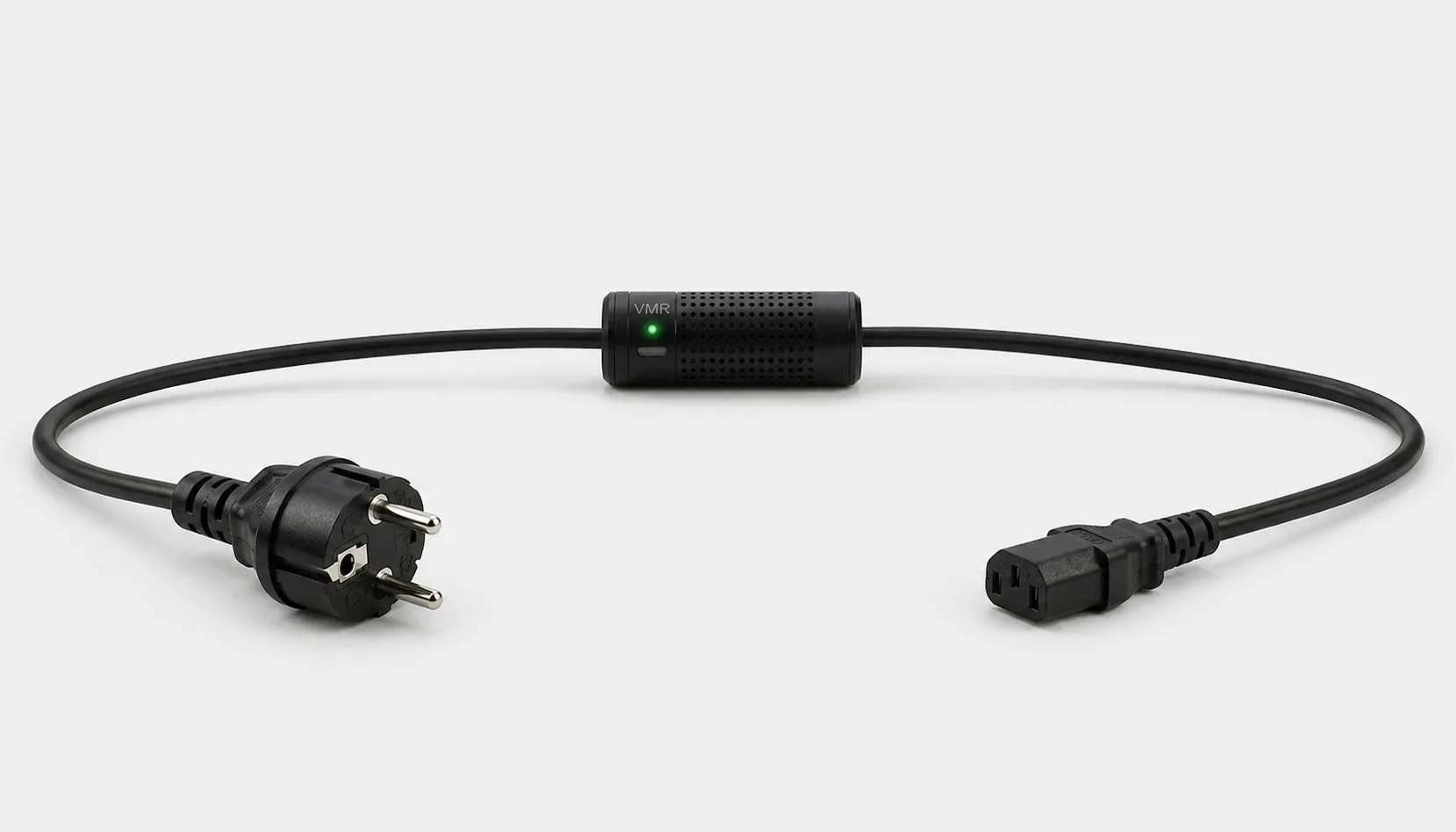
The current C13-output Smart Kablo requires a C14 equipment inlet. Assess rated input, startup demand and continuous load against the 5 A limit. At 230 V, 5 A corresponds to 1,150 VA of apparent power; this is not a blanket 1,150 W load approval. Do not assume a direct fit with C5, C7, DC or other locking connectors.
Read the IEC connector guide →How do you plan a restart without losing recovery access?
- Map the management path: internet, firewall, switch, Wi-Fi and Smart Kablo.
- Try the equipment’s own reboot command first and verify any backup access path.
- If intervention removes the control link, test timed supply interruption and restoration locally. Verify a separate management connection where available.
- After recovery, check port links, PoE devices, internet access and monitoring.
A cloud command cannot be assumed to arrive during an internet outage. A failed ping alone is not sufficient evidence to cut power. Use a bounded, logged recovery process rather than an unattended restart loop.
Remote Smart Cloud / Android control needs working Wi-Fi, internet access and authorised account access. Local interfaces and integrations depend on the installed version and network design.
Electricity use and cost calculator
This example assumes 75 W for one switch and its connected loads at the same inlet. Continuous operation for 30 days gives 54 kWh. This is not a test result or the PoE budget of the source model.
Cost = measured kWh × your electricity rate
A protection layer at the supply
Automatic relay cutoff on overvoltage
When overvoltage is detected, Smart Kablo automatically switches the relay off and disconnects the connected equipment supply. This adds a protection layer that helps limit exposure to excessive voltage.
- 01Overvoltage detected
- 02Relay switches OFF
- 03Equipment supply disconnected
Automatic overvoltage cutoff also disconnects network equipment. It adds an electrical protection function but can interrupt connectivity. Plan backup access, UPS coverage and separate management accordingly.
Verify the protection threshold and restoration behaviour in the installed device settings. This function does not supply backup power or guarantee protection against lightning or every transient surge. Assess required UPS and suitable surge-protection hardware separately.
Start with a small pilot
Start with a local test network before a remote branch. Record normal and full PoE demand and document the management route. Confirm real network recovery after timed power intervention. Check differences at each branch before reusing the plan.
Document the actual model, inlet, nameplate current and startup behaviour before extending the rollout. Product documents · Controlled power intervention guide
Frequently asked questions
Can Smart Cloud switch the network back on during an internet outage?
Smart Kablo needs a working connection to receive the command. If that connection depends on the equipment being switched off, access disappears. Use an independent path or a previously verified local restoration process.
Is the PoE budget the electricity consumption?
No. The budget is the available output capacity. Actual AC consumption depends on the connected devices and their demand. Measure it at the supply.
Will one cable switch off dual-power-supply equipment?
The equipment may keep running on the other supply. Assess both feeds and the intended redundancy together.
What does Smart Kablo do when overvoltage is detected?
When overvoltage is detected, Smart Kablo automatically switches the relay off and disconnects the connected equipment supply. This adds a protection layer that helps limit exposure to excessive voltage. Verify the protection threshold and restoration behaviour in the installed device settings. This function does not supply backup power or guarantee protection against lightning or every transient surge. Assess required UPS and suitable surge-protection hardware separately.