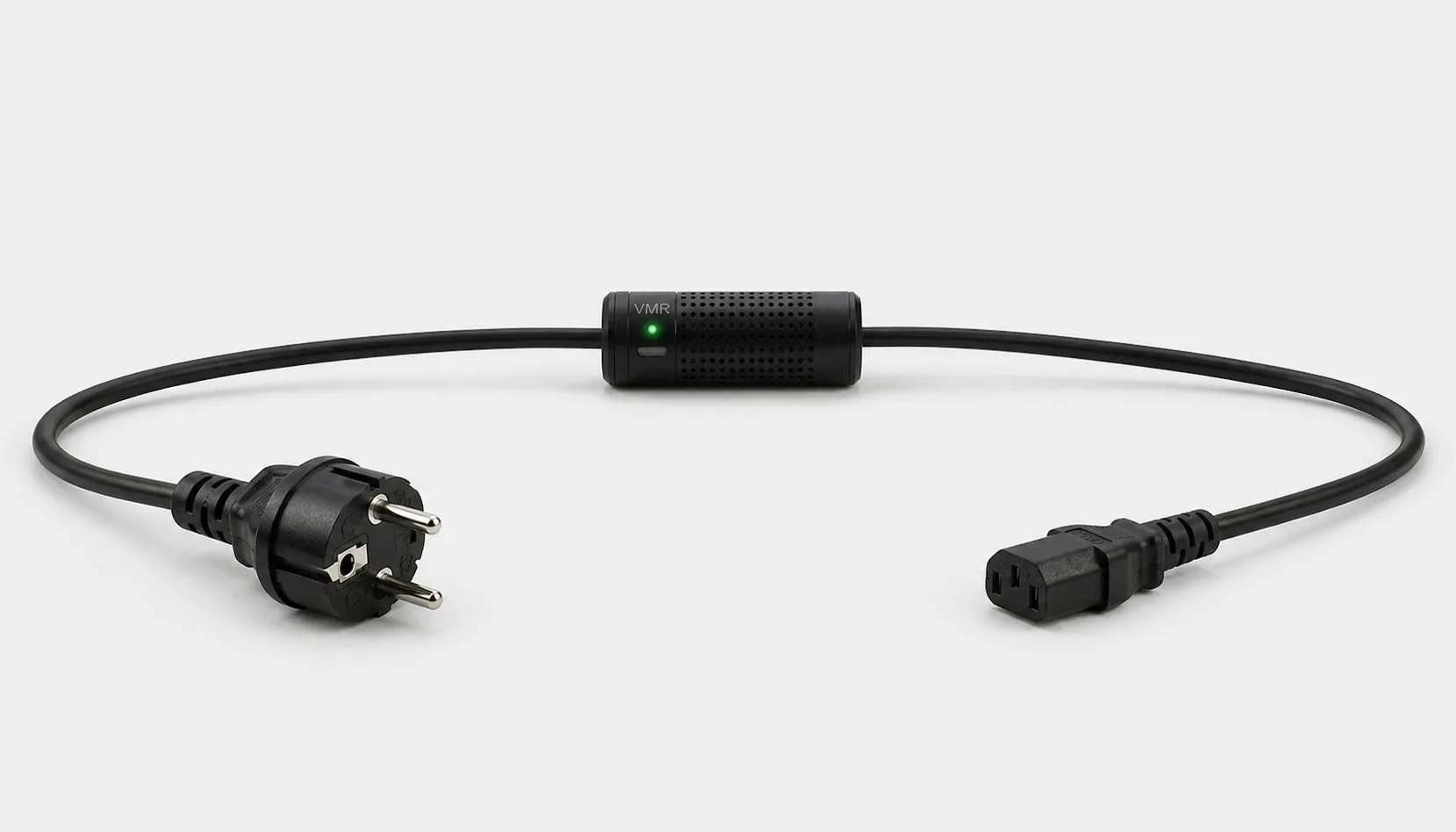
Smart Kablo can measure and control the supply to a compatible gaming PC. A separately powered monitor needs a separate measurement. Cutting electricity with a relay is not the normal way to end a game or shut down the operating system.
The PSU wattage does not tell you the electricity bill.
A 750 W power-supply rating does not mean the PC constantly draws 750 W. The CPU, GPU, game and frame-rate limit affect demand. A menu, a demanding scene and an idle desktop can place different loads on the same hardware.
Choose a representative station and log gaming hours alongside kWh. Compare similar PCs using the same measurement boundary. Unless air conditioning, networking and lighting are included, the PC figure is not the complete electricity cost of running the venue.
Which equipment can be considered?
| Equipment / measurement point | Measurement boundary | Commissioning check |
|---|---|---|
| Gaming PC | The tower’s AC consumption | C14 inlet, rated input and startup demand |
| Gaming monitor | The monitor supply | C14 inlet; separately check external adapters |
| Simulator PC | Computer power only | Do not assume compatibility for motors or motion platforms |
Even when average consumption looks low, check rated input and startup demand against the 5 A product limit. PC compatibility does not establish suitability for a motorised simulator.
Connector and load checks
The current C13-output Smart Kablo requires a C14 equipment inlet. Assess rated input, startup demand and continuous load against the 5 A limit. At 230 V, 5 A corresponds to 1,150 VA of apparent power; this is not a blanket 1,150 W load approval. Do not assume a direct fit with C5, C7, DC or other locking connectors.
Read the IEC connector guide →How should power be managed at closing time?
- Finish customer sessions and save open work.
- Shut down through the operating system and verify that updates and disk operations have finished.
- Disconnect the supply to an already shut-down station if appropriate. Test BIOS / UEFI AC recovery beforehand for PCs expected to start remotely.
- At opening, check the gaming client, network and user sessions.
Smart Kablo is not gaming-session management software. Restoring electricity may not start a PC without BIOS support. Keep machines receiving overnight updates outside the routine cutoff plan.
Remote Smart Cloud / Android control needs working Wi-Fi, internet access and authorised account access. Local interfaces and integrations depend on the installed version and network design.
Electricity use and cost calculator
The example assumes 10 PC towers, each drawing 350 W for 8 hours and an average of 6 W for the remaining 16 hours. Monitors and cooling are excluded. Replace these assumptions with measured values and enter your own electricity price.
Cost = measured kWh × your electricity rate
A protection layer at the supply
Automatic relay cutoff on overvoltage
When overvoltage is detected, Smart Kablo automatically switches the relay off and disconnects the connected equipment supply. This adds a protection layer that helps limit exposure to excessive voltage.
- 01Overvoltage detected
- 02Relay switches OFF
- 03Equipment supply disconnected
When overvoltage is detected, automatic relay cutoff disconnects the PC supply and helps limit exposure. The interruption can end an active game and lose unsaved work. Assess UPS coverage separately for continuity.
Verify the protection threshold and restoration behaviour in the installed device settings. This function does not supply backup power or guarantee protection against lightning or every transient surge. Assess required UPS and suitable surge-protection hardware separately.
Start with a small pilot
Measure two similarly configured stations for one week. Record occupancy, game, active hours and overnight state. After changing a setting, measure again under comparable conditions. Compare kWh per station and per active hour.
Document the actual model, inlet, nameplate current and startup behaviour before extending the rollout. Product documents · Controlled power intervention guide
Frequently asked questions
Does a 750 W PSU use 0.75 kWh every hour?
Only if the equipment actually draws 750 W continuously. The PSU rating does not establish that. Use measured AC watts or the change in the kWh meter.
Can I calculate the PC and monitor together?
Only when both are genuinely included in the measurement boundary. Separately measured PC and monitor energy can be added without counting either twice.
Can all PCs start remotely in the morning?
Supply control is possible, but startup depends on BIOS / UEFI AC recovery support and settings. Evaluate simultaneous startup demand during commissioning.
What does Smart Kablo do when overvoltage is detected?
When overvoltage is detected, Smart Kablo automatically switches the relay off and disconnects the connected equipment supply. This adds a protection layer that helps limit exposure to excessive voltage. Verify the protection threshold and restoration behaviour in the installed device settings. This function does not supply backup power or guarantee protection against lightning or every transient surge. Assess required UPS and suitable surge-protection hardware separately.