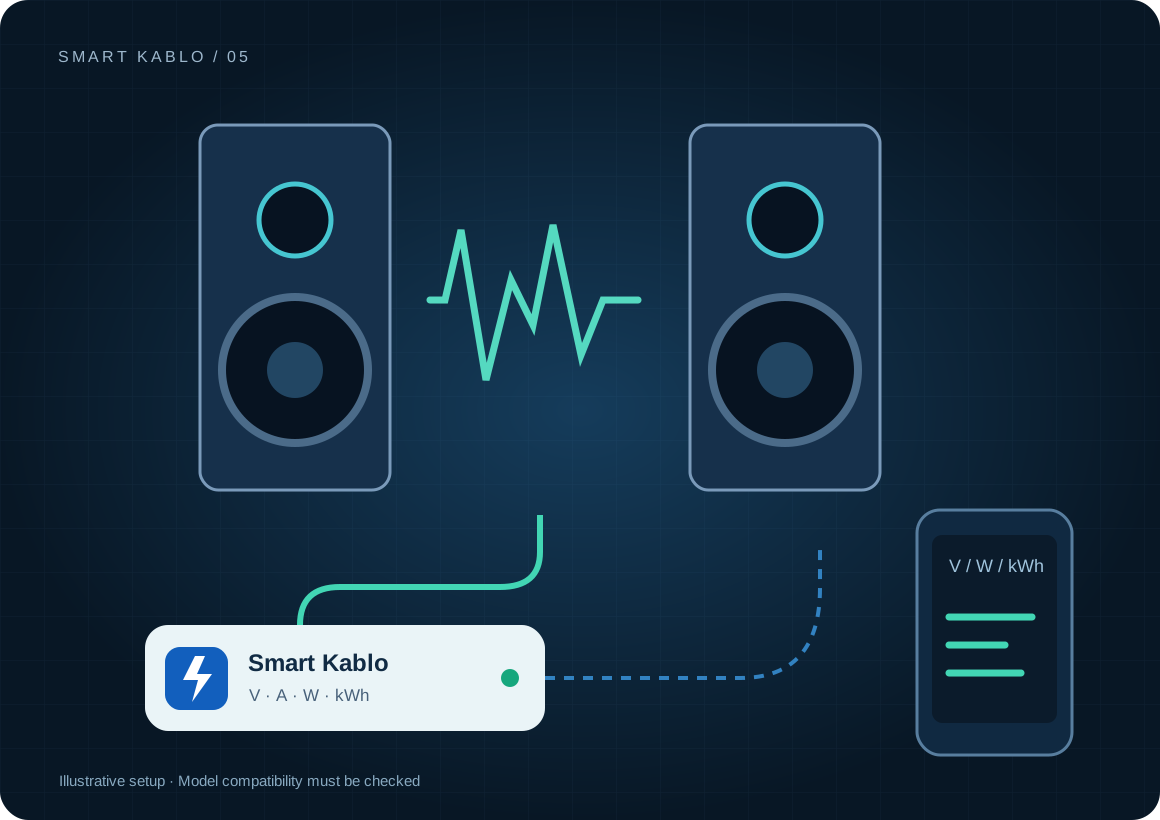
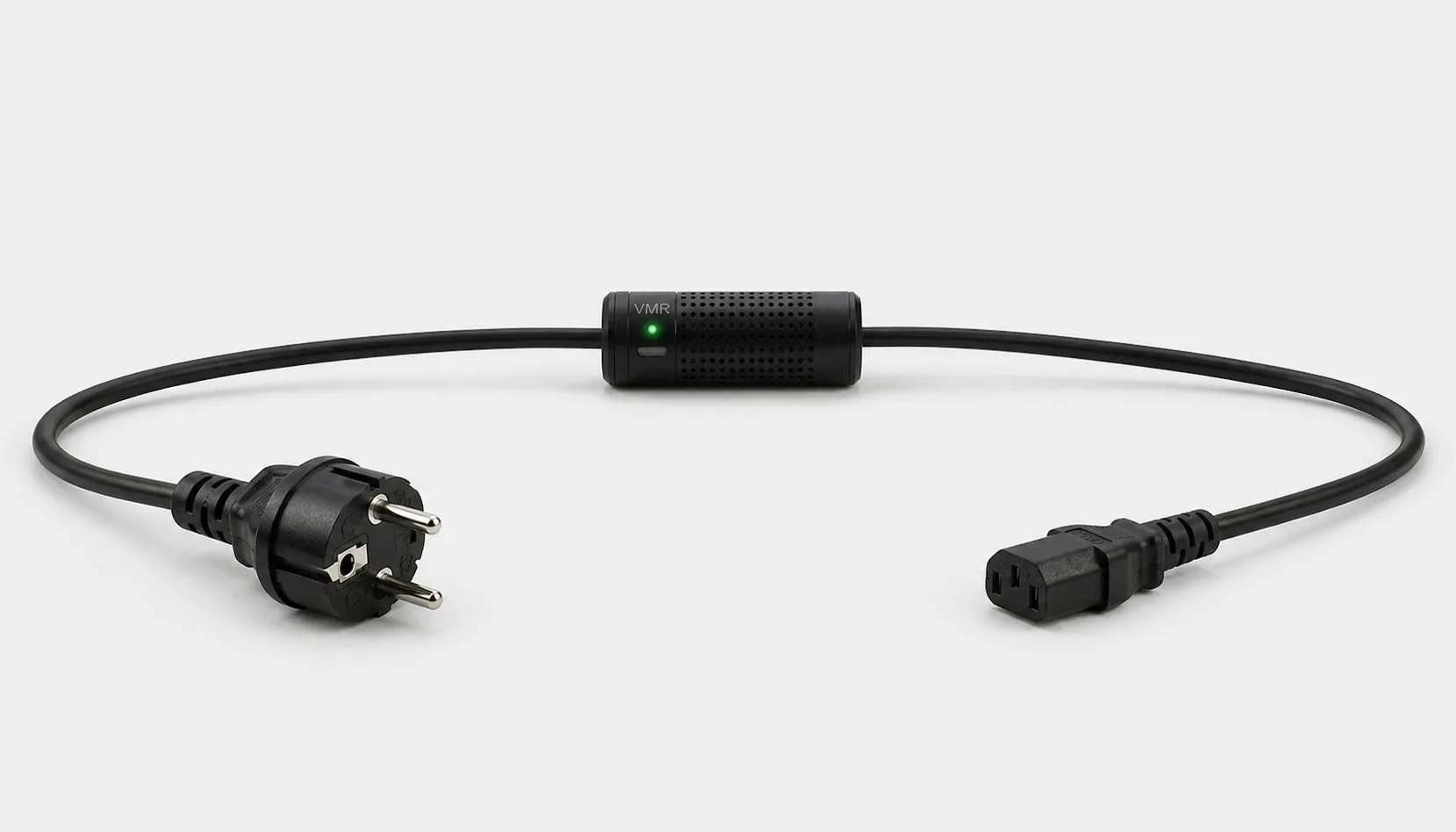
Smart Kablo measures and controls the supply of studio equipment with a compatible C14 inlet and electrical load. It does not process audio. Correct sequencing between sources and speakers still matters when power is controlled remotely.
Audio output power is not AC consumption.
An active speaker’s amplifier output rating is not its constant draw from the wall. Signal level, listening level and power-supply design affect demand. Mixers, interfaces and computers may also use separate supplies. Define those boundaries before calculating a studio total.
Include a representative recording or mixing session in the measurement. Then compare equipment left on without a signal and equipment switched off. Use the measured kWh difference rather than assuming every idle device creates a large saving opportunity.
Which equipment can be considered?
| Equipment / measurement point | Measurement boundary | Commissioning check |
|---|---|---|
| Active studio speaker | Speaker AC consumption | C14 inlet, startup current and manufacturer’s sequence |
| Rack mixer / processor | That equipment supply | Completion of recording and settings writes |
| Studio computer | Computer electricity use | Saving the DAW project and shutting down the OS |
PowerCON, C8, fixed-cord and DC-powered equipment do not have a direct fit with the current C13 output. Do not treat a large stage amplifier as equivalent to a small studio monitor.
Connector and load checks
The current C13-output Smart Kablo requires a C14 equipment inlet. Assess rated input, startup demand and continuous load against the 5 A limit. At 230 V, 5 A corresponds to 1,150 VA of apparent power; this is not a blanket 1,150 W load approval. Do not assume a direct fit with C5, C7, DC or other locking connectors.
Read the IEC connector guide →Keep the correct power sequence when controlling remotely.
- Stop recording and save the project and equipment settings.
- Power source equipment before active speakers, following the manufacturer’s complete sequence.
- At shutdown, switch speakers off before sources and complete the equipment’s own shutdown steps.
- After supply intervention, check the system starting with low listening levels.
The Yamaha HS manual specifies sources on before speakers and speakers off before sources. Verify the sequence for each system. Smart Kablo alone is not an automatic audio sequencer or power conditioner.
Remote Smart Cloud / Android control needs working Wi-Fi, internet access and authorised account access. Local interfaces and integrations depend on the installed version and network design.
Electricity use and cost calculator
This example assumes two devices, each averaging 60 W for 4 hours and 5 W for the remaining hours. It is not a measured speaker-model result. Replace the inputs with actual session and out-of-session measurements.
Cost = measured kWh × your electricity rate
A protection layer at the supply
Automatic relay cutoff on overvoltage
When overvoltage is detected, Smart Kablo automatically switches the relay off and disconnects the connected equipment supply. This adds a protection layer that helps limit exposure to excessive voltage.
- 01Overvoltage detected
- 02Relay switches OFF
- 03Equipment supply disconnected
Automatic relay cutoff disconnects the supply when overvoltage is detected, helping limit equipment exposure. This function is not an audio filter for hum, ground loops or signal interference.
Verify the protection threshold and restoration behaviour in the installed device settings. This function does not supply backup power or guarantee protection against lightning or every transient surge. Assess required UPS and suitable surge-protection hardware separately.
Start with a small pilot
Start with one speaker or rack device. Log session, idle-on and off states. Label the required power sequence. Restrict control access to the responsible operator and establish a process that avoids accidental supply interruption during recording.
Document the actual model, inlet, nameplate current and startup behaviour before extending the rollout. Product documents · Controlled power intervention guide
Frequently asked questions
Does Smart Kablo improve sound quality?
Its role is electrical measurement and supply control. It does not process the audio signal, and this guide makes no hum-removal or sound-quality claim.
Can active speakers be switched together?
Assess sequencing and electrical demand for the specific system. Do not use one cable as a distribution strip. Preserve the correct order between sources and speakers.
Should recording stop before remote power-off?
Yes. Save recordings and equipment settings and complete any necessary software shutdown. A relay cutoff does not save the project.
What does Smart Kablo do when overvoltage is detected?
When overvoltage is detected, Smart Kablo automatically switches the relay off and disconnects the connected equipment supply. This adds a protection layer that helps limit exposure to excessive voltage. Verify the protection threshold and restoration behaviour in the installed device settings. This function does not supply backup power or guarantee protection against lightning or every transient surge. Assess required UPS and suitable surge-protection hardware separately.