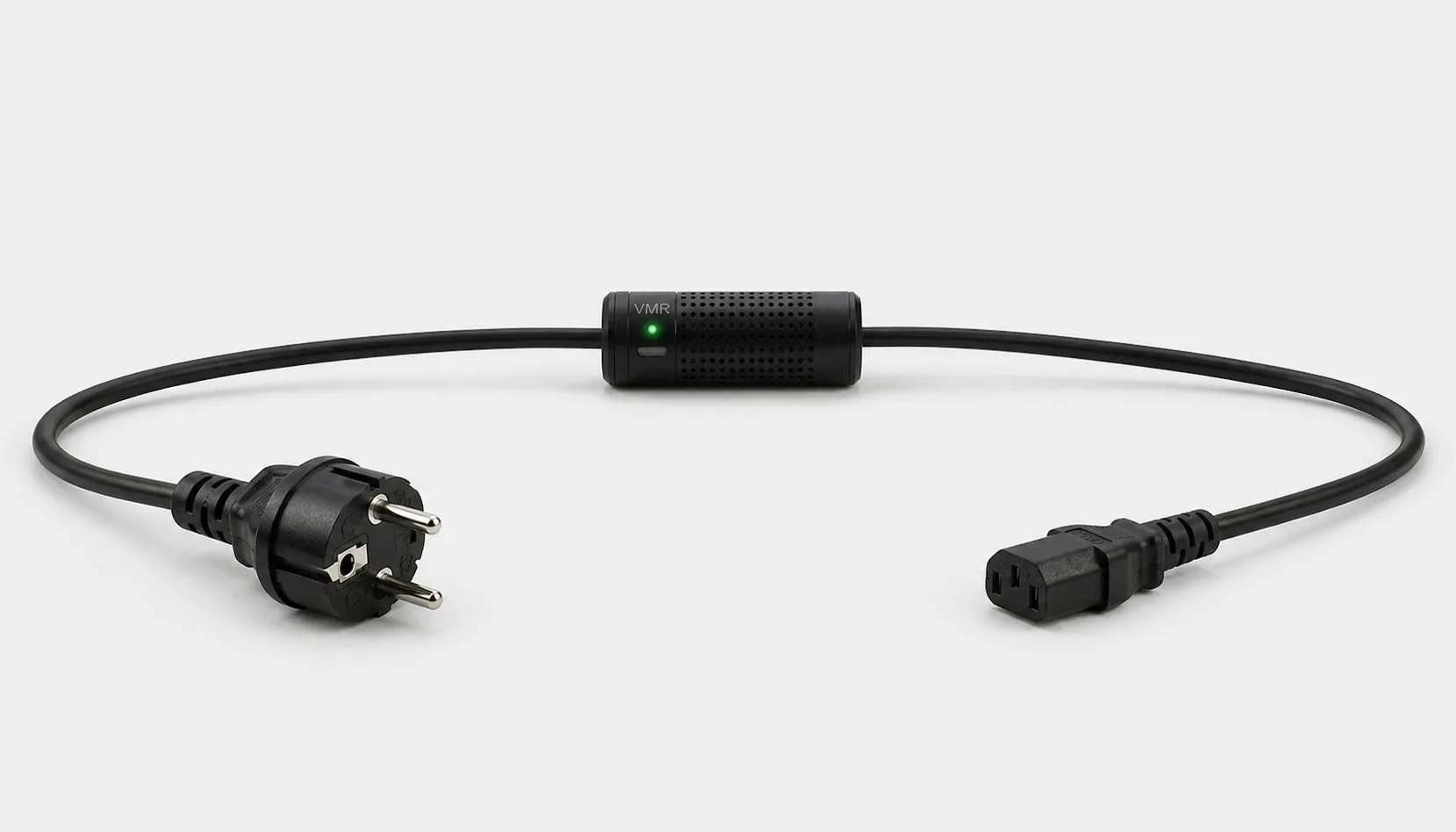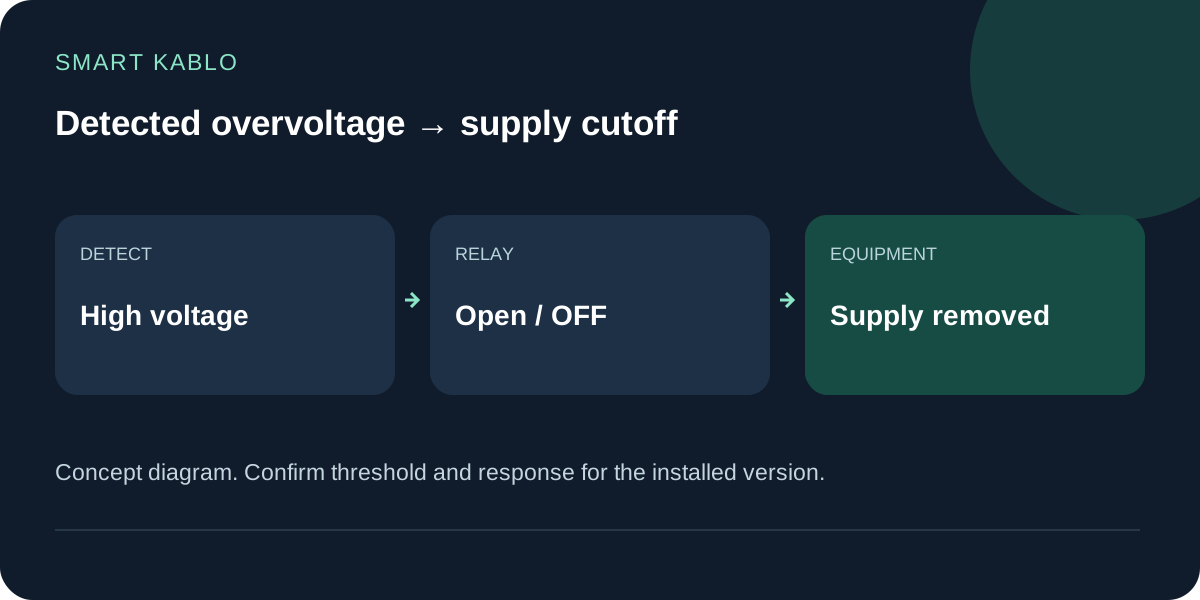
On detected overvoltage, Smart Kablo opens its relay and disconnects the connected equipment from the supply. This adds a layer of protection by limiting exposure. Confirm the threshold, response time and power-restoration behaviour for the installed product.
What happens when the relay opens?
The connected equipment loses its electrical supply. A running PC can stop, a recording can be interrupted and a 3D print can fail. Electrical disconnection and uninterrupted operation address different requirements.
For routine PC shutdown, close the operating system before switching off the supply. An automatic protective cutoff is a different intervention. Backups and a recovery procedure matter when the equipment must preserve data or resume a service.
Overvoltage cutoff, surge protection and UPS backup
These terms describe different functions. Choose protection by the disturbance you need to address and check the exact product specification.
| Requirement | Function to review | Check |
|---|---|---|
| Disconnect a load after detecting high voltage | Suitable voltage monitoring and cutoff | Threshold, response, load rating and restoration |
| Limit transient voltage surges | Suitable surge protective device, SPD | Installation, grounding and surge rating |
| Keep operating through a power interruption | UPS sized for the load | Capacity, runtime and output characteristics |
A surge-protected outlet does not automatically provide every form of voltage protection. Schneider Electric explains why sustained overvoltage and short transients place different demands on protective equipment.
Where Smart Kablo fits
Current Smart Kablo models sit in the power-cord connection to compatible C14-inlet equipment. A PC, monitor or IT device may be a candidate when both energy measurement and authorised supply switching are needed.
Smart Kablo is not a single-phase or three-phase distribution-board voltage protection relay. Whole-building protection and electrical-panel design require a qualified electrical professional. This guide is not panel-wiring instruction.
The continuous limit is 5 A on all current models. Choosing a C20 input does not increase that rating. The C13 equipment connector mates with a C14 inlet; do not assume direct compatibility with C5, C7, DC inputs or captive power leads.
Five details to confirm before installation
- Load: Exact equipment model, electrical label and startup behaviour.
- Connection: Identify the source outlet and equipment inlet separately. Schuko, C13 and C19 sources need different inputs.
- Protection setting: Confirm the overvoltage threshold and triggering conditions supported by the installed version.
- Restoration: Establish what happens after voltage returns to normal. Do not assume an undocumented delay or automatic restart.
- Recovery: Document how the PC, recorder or printer returns to service after losing supply.
An unverified response time or universal damage-prevention claim would be misleading. We do not invent threshold or timing figures where the published specification does not establish them.
Two questions that affect the installation
Will it stop every voltage spike?
No. Opening a relay on detected overvoltage is not a guarantee against every lightning event or fast transient. Suitable surge protection and grounding need their own assessment.
Will it keep the equipment running during an outage?
Smart Kablo provides no battery-backed runtime. If continued operation is required, review the difference between a UPS and PDU and size the backup for the actual load.
Start with the connection and documented settings
Review Schuko–C13 for a grounded Schuko source, C14–C13 for a C13 PDU/UPS outlet, or C20–C13 for a C19 PDU outlet. Every option still needs a compatible C14 equipment inlet and checks against the 5 A continuous limit.
Send the equipment model and connection photos to the technical team. Confirm the installed version's threshold and power-restoration behaviour in writing before relying on it.