Home / Product images
See Smart Kablo from connection to measurement.
Compare C14, C20 and Schuko input variants, inspect the C13 equipment connector and review the mobile measurement screens. Open each image at full resolution.
C14, C20 and Schuko smart power cable images
Choose by the actual source outlet and equipment inlet. Current Smart Kablo variants have a C13 equipment connector and a 5 A continuous-current limit; review startup load and the full electrical path before installation.
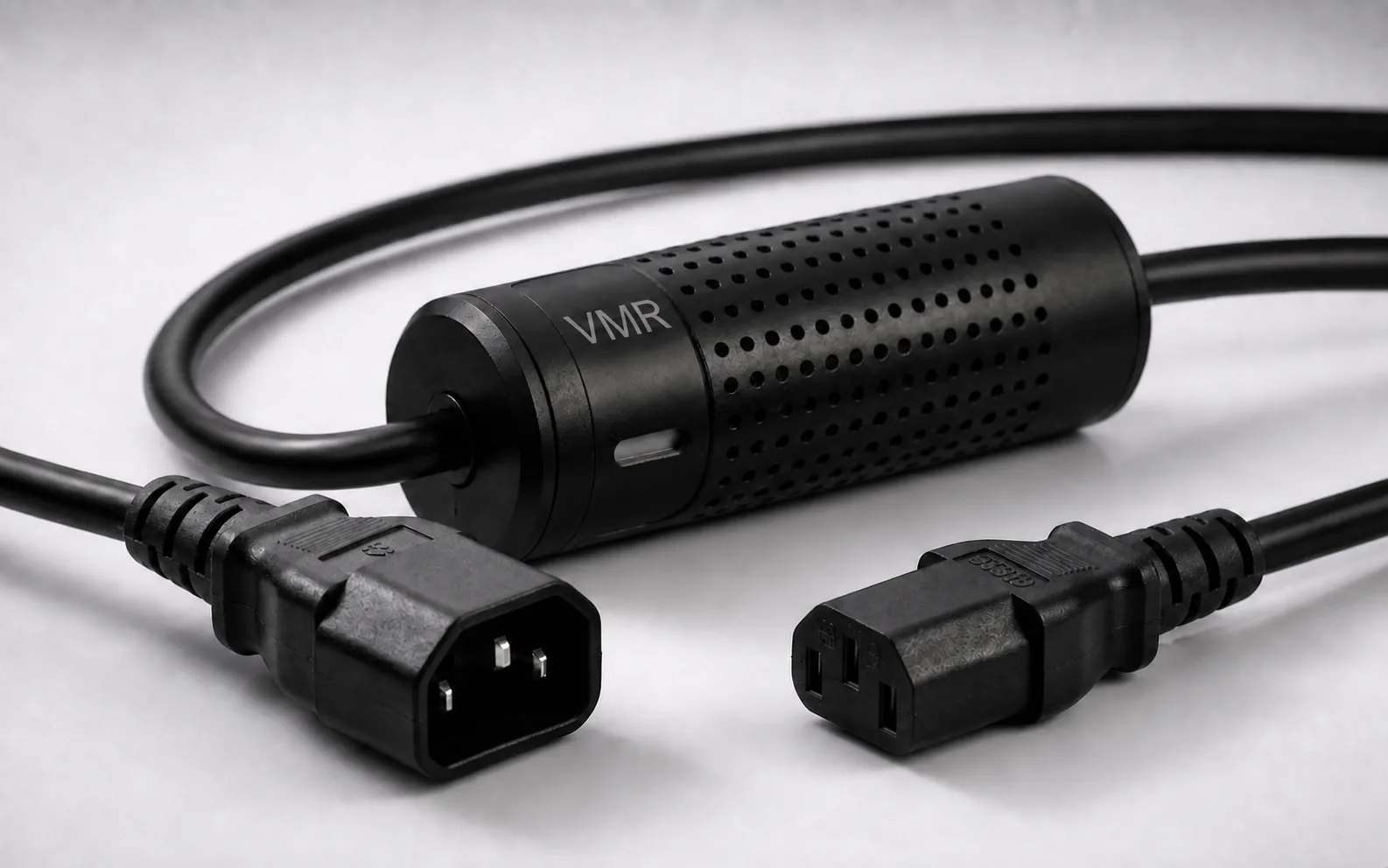
C14 to C13 Smart Kablo: PDU and UPS connection
C14 male source plug, inline control module and C13 female equipment connector. Review for a C13 PDU/UPS outlet and compatible C14 equipment inlet.
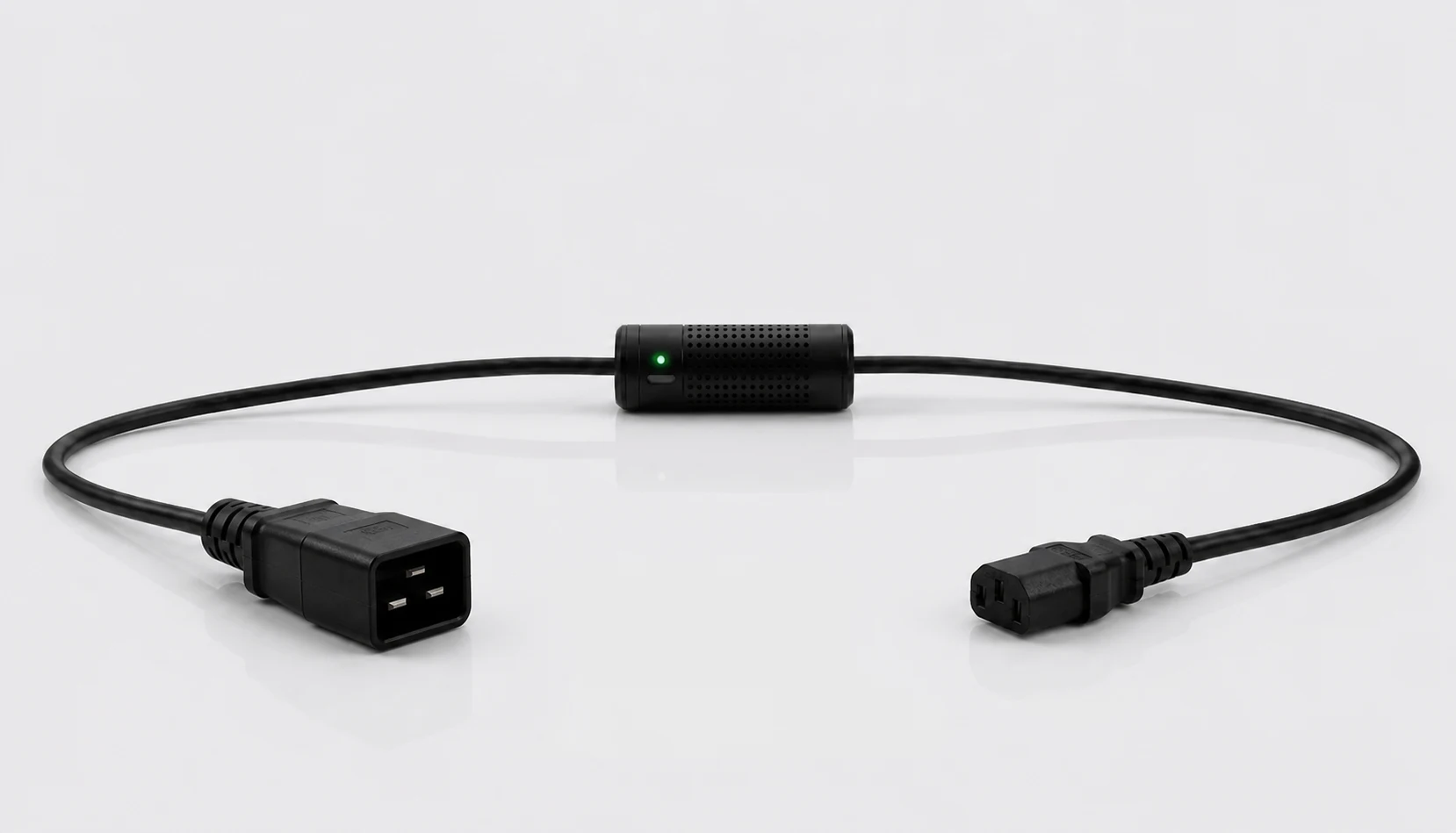
C20 to C13 Smart Kablo: C19 PDU outlet
The C20 male source plug mates with a C19 female rack PDU outlet; the C13 connector mates with compatible C14-inlet equipment. The larger source plug does not increase the product’s 5 A continuous limit.
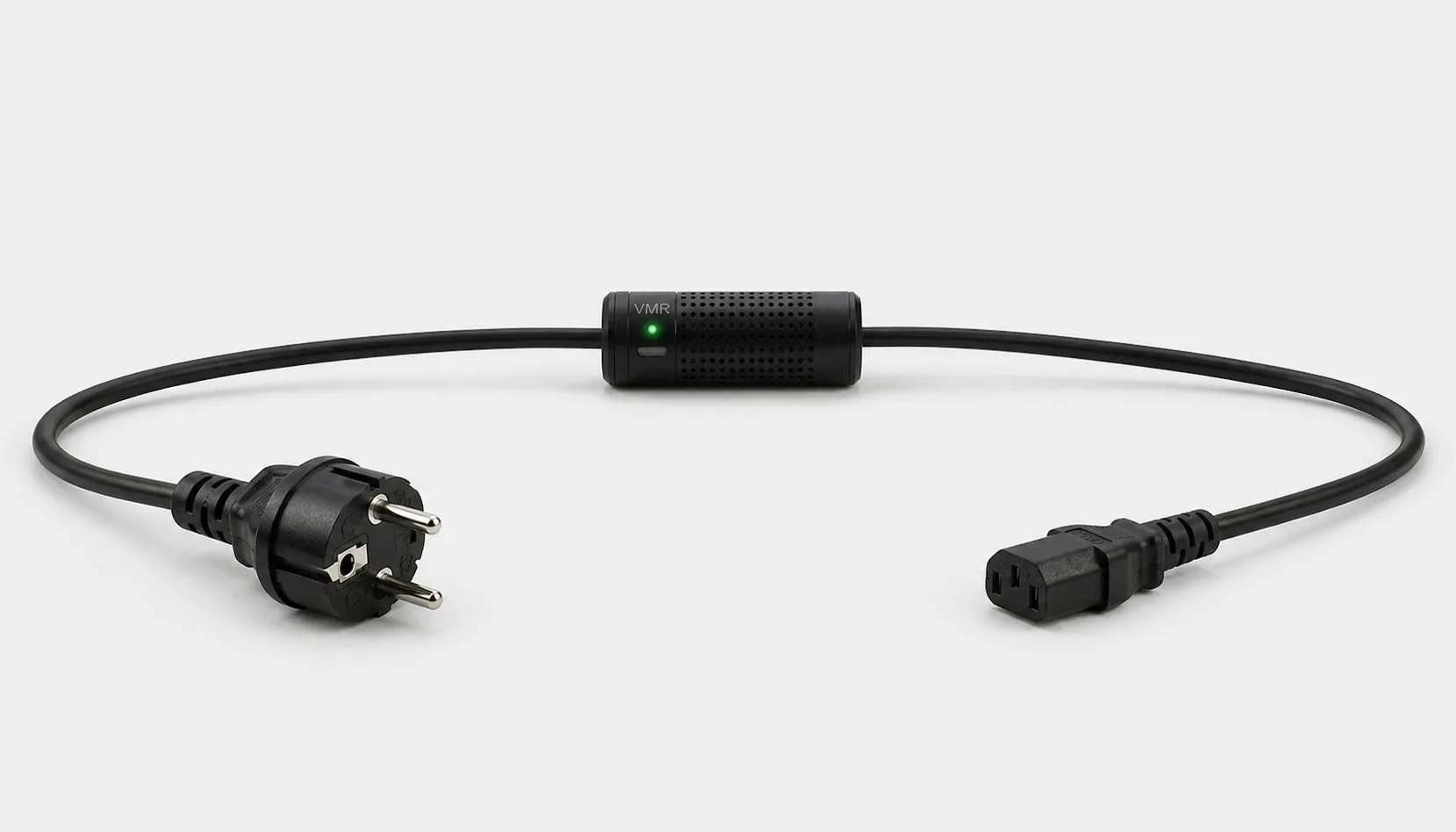
Schuko to C13 Smart Kablo: wall outlet to equipment
Grounded Schuko source plug and C13 female equipment connector on one cable. Check inlet and load compatibility for each C14-inlet PC, workstation or monitor.
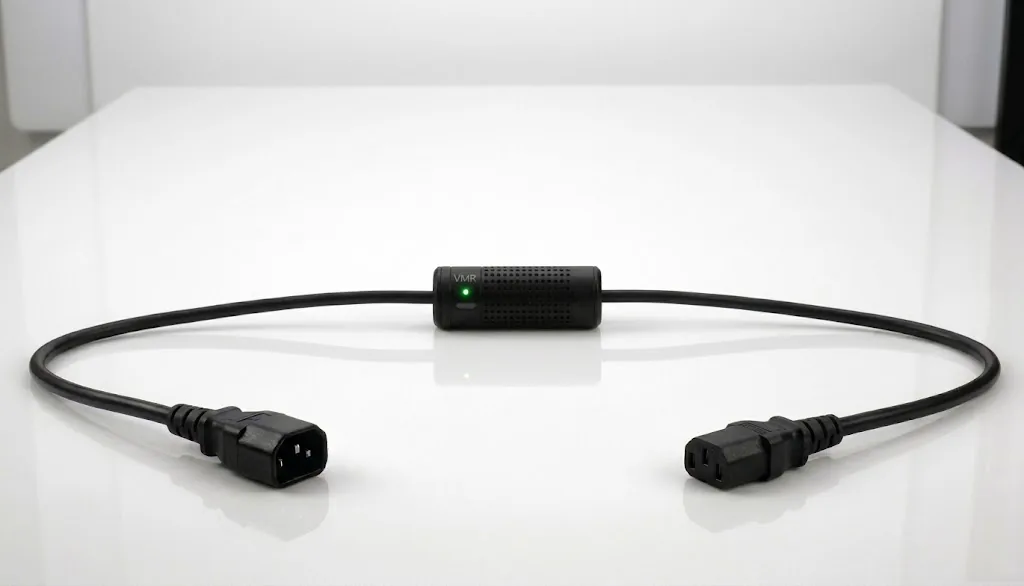
Full-length C14 to C13 smart power cable
Both connectors and the inline measurement/control module are visible together. Match the connection visually, then verify the source and equipment nameplates.
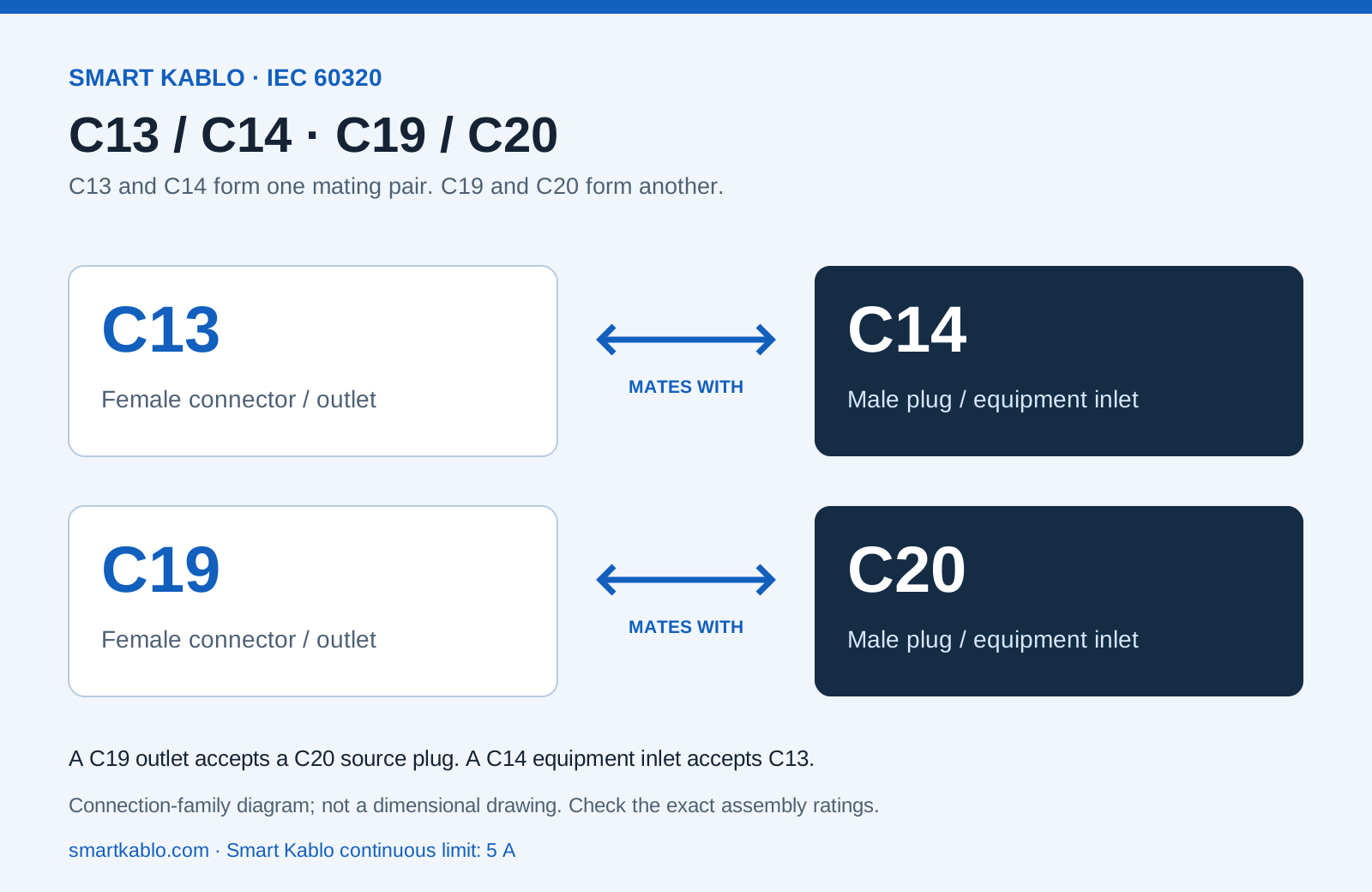
C13 / C14 and C19 / C20: visual connection guide
Mobile energy monitoring screens
Live measurements and recorded history answer different questions. Use representative periods for energy estimates; do not treat an example screen reading as a promise of consumption or savings.
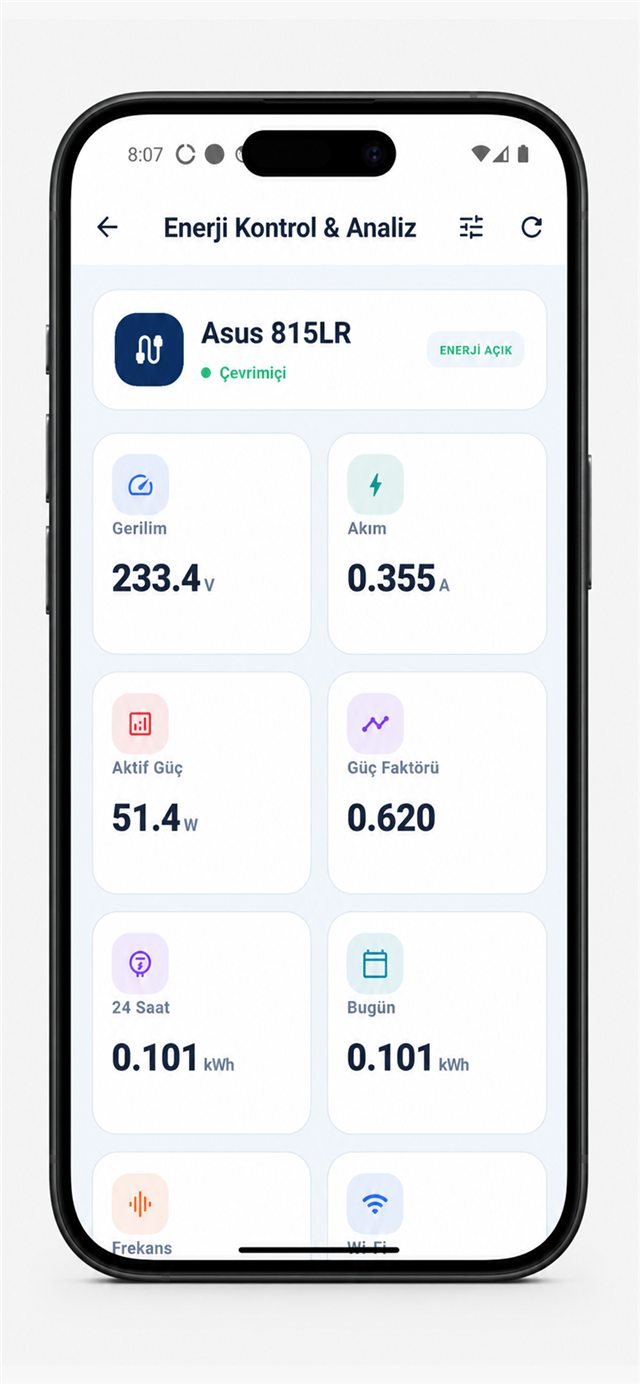
Electrical measurements in the mobile app
Review voltage, current, active power, power factor and energy on the device screen. Displayed example readings are not consumption forecasts for other equipment.
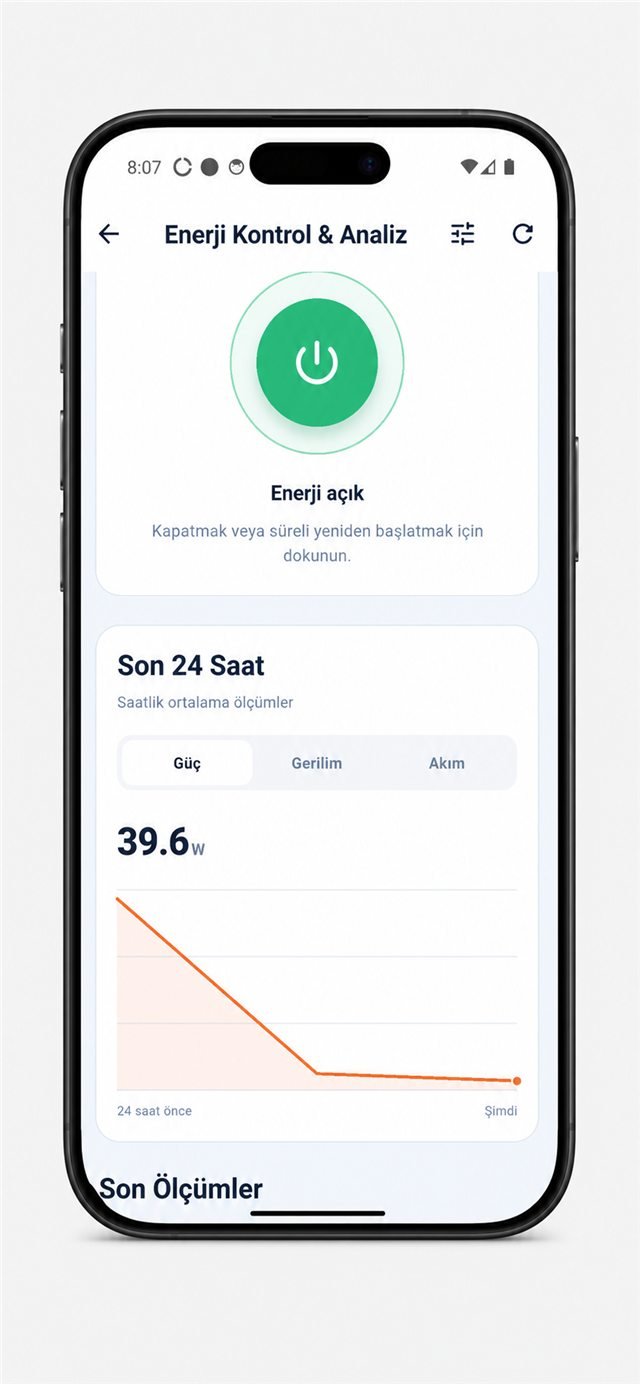
24-hour power and energy history
Review changes over time rather than a single instantaneous watt reading. Build server or office energy calculations from a representative measured period.
Rack, NAS and monitor usage illustrations
These scenes illustrate connection contexts. They are not model-specific test reports or compatibility approvals. Identify both connectors and check each device nameplate.
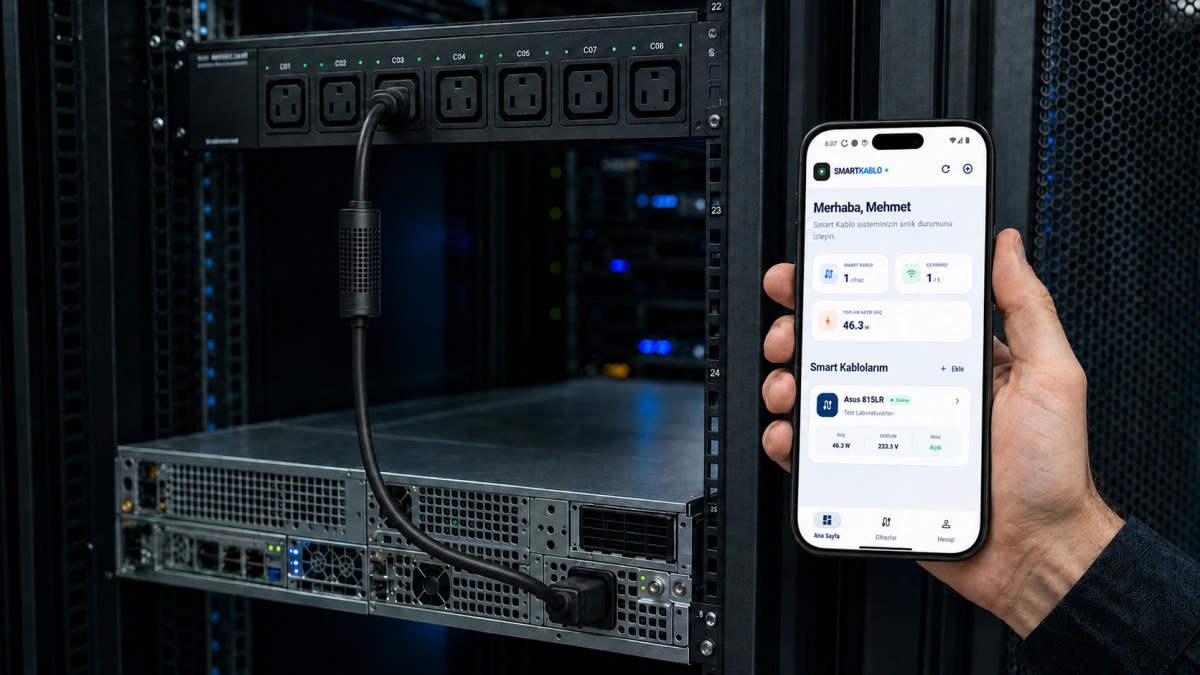
Per-device energy control in a server rack
A PDU, equipment power connection and mobile monitoring view in one scene. Review each feed, connector and startup load separately for the actual installation.
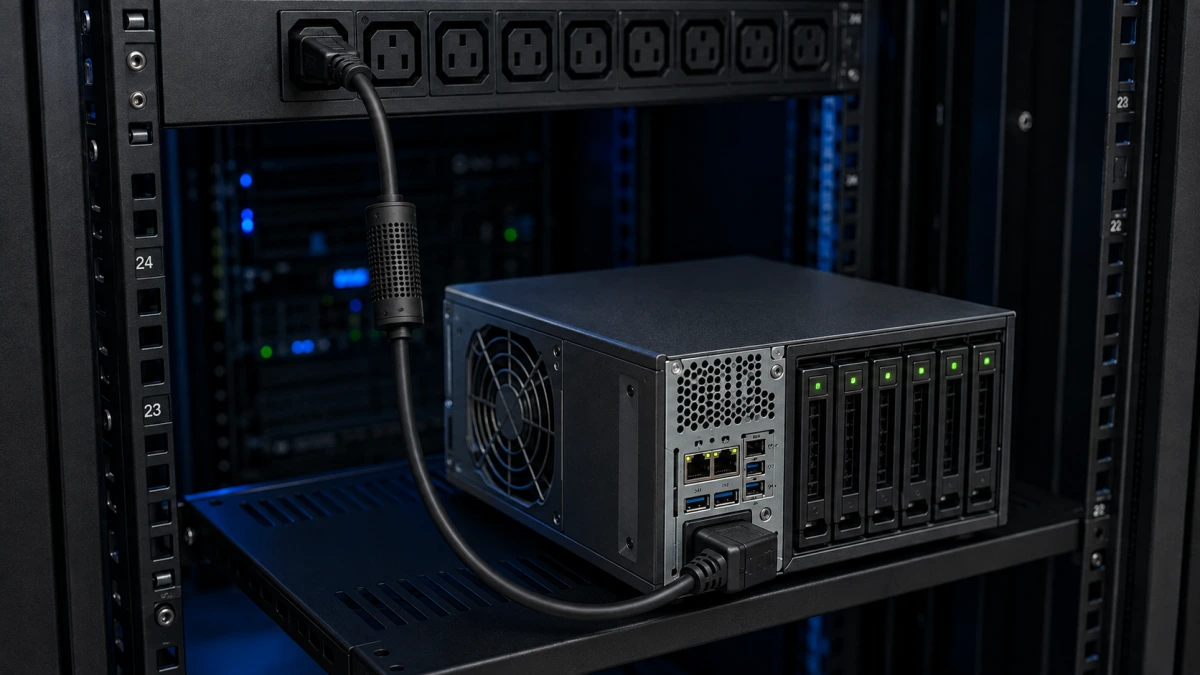
Smart Kablo between a PDU and NAS
A usage illustration for metering and authorised supply control on a NAS power connection. Complete an orderly device shutdown before planned supply disconnection.
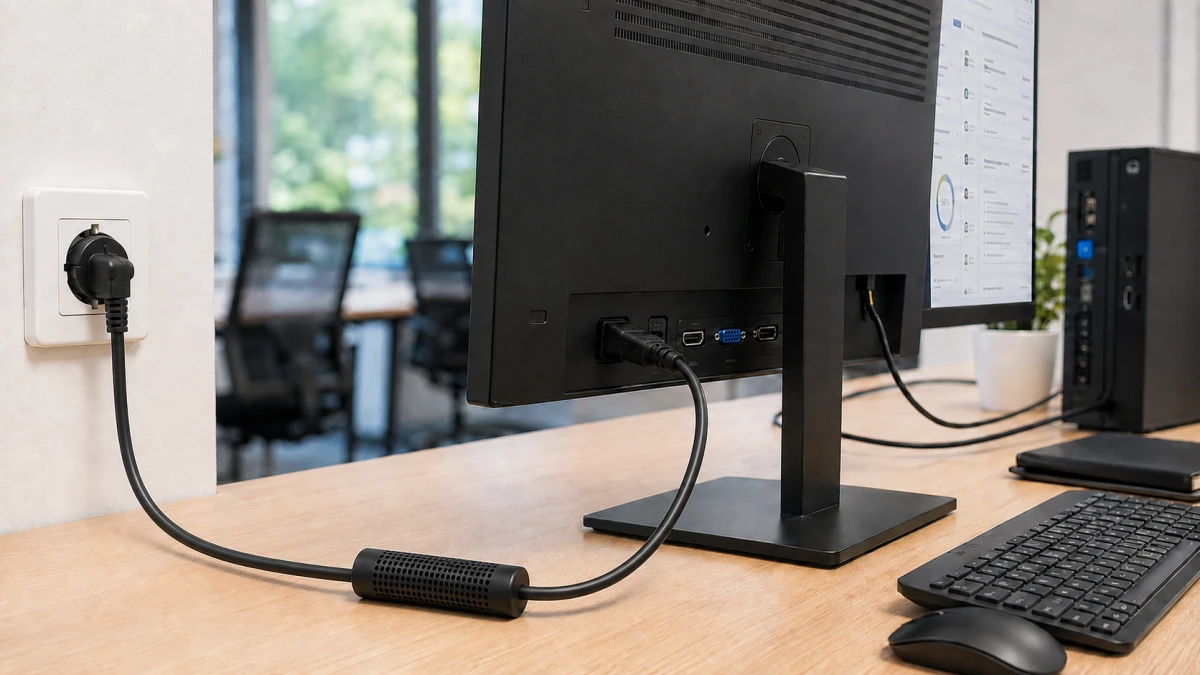
Power control from a Schuko outlet to an LCD monitor
An example connection from a grounded wall outlet to a compatible C14-inlet monitor. Verify the actual monitor inlet, nameplate current and continuous load.
Smart Kablo supports authorised remote relay control and automatically disconnects the supply when overvoltage is detected. Verify installed thresholds and restoration behaviour. This is not UPS runtime or a guarantee against every damaging transient.
Review my connection